Cloud Versus Local Irrigation Control Explained
Cloud versus local irrigation control affects reliability, privacy, and watering precision. Choose a setup that suits your Australian garden and home.
A hot northerly can dry a raised veggie bed surprisingly fast, while the shaded side garden is still holding yesterday’s moisture. That is the real question behind cloud versus local irrigation control: where should the decisions happen when your garden needs water? The answer affects more than app convenience. It shapes reliability during internet outages, the privacy of your garden data, how quickly a valve responds, and whether automation can work at the level your plants actually need.
A basic timer treats every watering day much the same. A smarter system can consider soil moisture, forecast rain, plant type and zone conditions. But the location of its decision-making still matters. Cloud control and local control each solve different parts of the problem well.
What cloud irrigation control does well
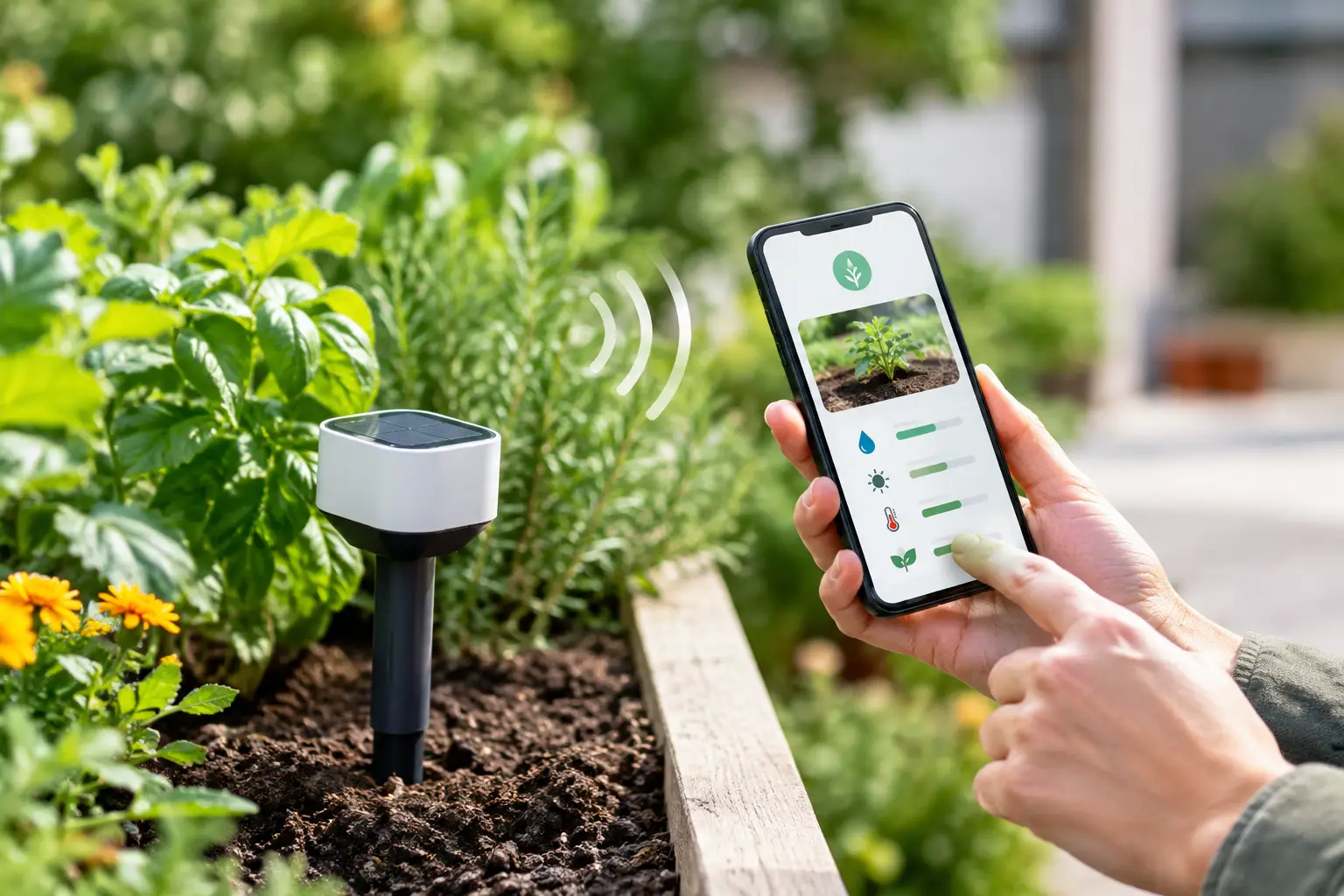
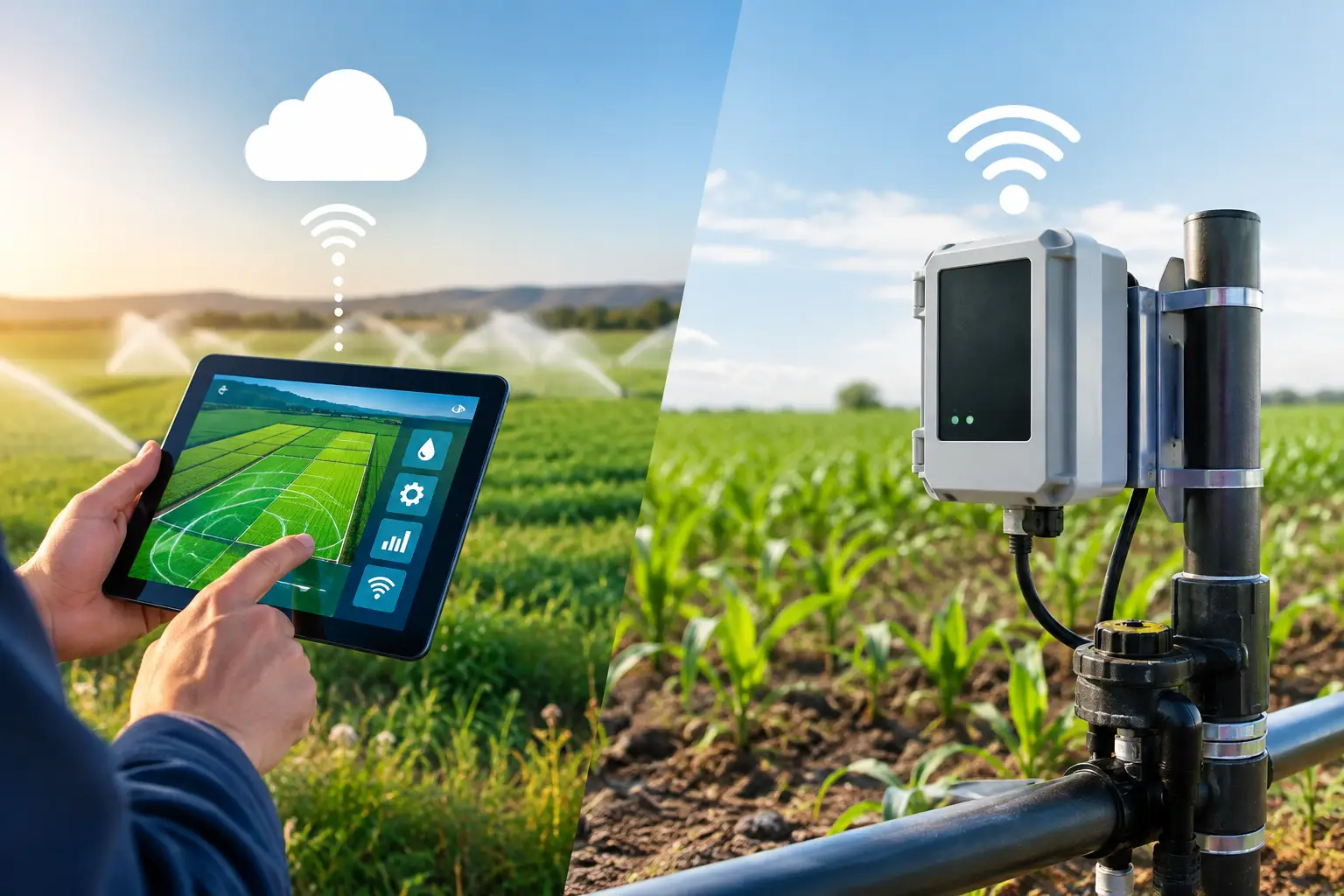
Cloud-controlled irrigation sends information from your sensors, valves and mobile app to online servers. Those servers can process data, apply weather information and send commands back to your irrigation equipment. For many households, that means you can check the garden from work, adjust a schedule while away, and receive notifications when something needs attention.
The cloud is particularly useful for data-heavy features. Live local weather, longer-term watering history, plant databases and photo-based plant health assessments all benefit from online processing. If a forecast calls for meaningful rain, a cloud-aware system can postpone a planned watering cycle. If you photograph an unfamiliar plant, an AI service can identify it and suggest a suitable moisture range.
This approach is also practical when a garden has several people looking after it. A partner, housemate or gardener can see the same zones and status from their own mobile. For rental properties or holiday homes, remote visibility can be reassuring. You can check whether a valve is online, see the last watering event and act before a few warm days become a plant-loss problem.
There are trade-offs. A cloud-only controller depends on an active internet connection and on the provider’s service remaining available. If the Wi-Fi drops out, a cloud command may not reach the valve. If the service changes, adds a subscription or eventually closes, the controller may lose functionality. That does not make cloud systems a poor choice, but it is worth knowing exactly what still works when the internet does not.
What local irrigation control does well
Local control keeps key decisions inside your home network or on the device itself. A sensor can report soil moisture to a local automation platform, and that platform can open or close a compatible valve without asking an external server for permission. The result is fast, private and resilient control.
For a garden, that resilience is valuable. Home internet can be patchy, especially during storms or maintenance. A local rule such as “water Zone 2 for eight minutes when moisture falls below its set target” can continue operating even if the broadband is out. Your garden does not have to wait for a cloud connection to respond to dry soil.
Local control can also reduce the amount of data leaving your property. That matters to smart-home owners who prefer to keep device activity and automations within their own network. Platforms such as Apple Home, Matter and Home Assistant make this model increasingly accessible, although the setup experience varies by device and ecosystem.
The limitation is that local systems may have less context unless you add it. A locally stored schedule cannot automatically know it is about to rain. A simple local threshold can react to dry soil, but it may not account for changing seasons, a heatwave or a plant that has just been moved into a sunnier spot. Some local systems also demand more hands-on configuration, which is ideal for enthusiasts but less appealing when you simply want the garden looked after.
Cloud versus local irrigation control: the practical difference
The most useful comparison is not cloud good, local good. It is about which tasks suit each place.
Local control is strongest for immediate, essential actions: reading a sensor, checking a moisture threshold and operating a valve. These are the actions that should remain dependable when the internet is unavailable. Cloud services are strongest for enrichment: bringing in local weather, recognising plants from photos, viewing history across devices and making the experience easy to manage wherever you are.
A well-designed garden system can use both. It can make everyday valve control locally where compatible hardware supports it, while using the cloud for weather intelligence, diagnostics and remote access. That gives you a better fallback position than a controller that becomes a manual tap as soon as the Wi-Fi goes down.
The distinction is especially useful in Australian conditions. A fixed schedule might make sense during a cool, wet week in Melbourne, then waste water when conditions change. In Perth, Adelaide or Western Sydney, two areas only metres apart can need very different watering because of paving heat, wind exposure, mulch depth and shade. Soil-based decisions help, but weather context makes those decisions more sensible.
Choose control based on the garden you actually have
For a small courtyard with two pots and a single tap timer, a cloud platform may be more capability than you need. A simple local schedule or manually checked moisture sensor can be enough. The goal is not to add technology for its own sake. It is to remove uncertainty and repetitive chores.
For a larger or mixed garden, the calculation changes. Lawn, natives, citrus, herbs, indoor-outdoor collections and thirsty vegetable beds do not share one ideal watering pattern. This is where zone organisation and individual moisture targets become more useful than one broad schedule. A valve should water because the plants in that zone need it, not merely because it is 6 am on Wednesday.
If you travel regularly, cloud access becomes more attractive. If privacy and offline operation are your first priorities, favour equipment with clear local capability and open smart-home compatibility. If you want the lowest-maintenance experience, look for a system that handles weather, soil readings and valve control in one simple flow rather than making you stitch together separate apps.
Before buying, check what “smart” means for each device. Does it work when the internet is down? Is a hub required? Are basic automations locked behind a subscription? Can it connect to the valves and sensors you already own? Does it support Matter, Apple Home, Google Home or Home Assistant if those are part of your home? These details determine whether your irrigation setup stays useful over time.
Better watering needs more than a clever schedule
A forecast-based skip is helpful, but it is not the same as knowing what is happening in the soil. Rainfall can miss your suburb, hit only one side of the garden, or be too light to reach roots beneath dense foliage. Conversely, an exposed pot may dry rapidly after a cool night despite no dramatic change in the forecast.
Soil-moisture monitoring closes that gap. Set an appropriate moisture target for each plant or zone, then let the system respond when readings move outside that range. The target should still be adjusted for plant maturity, soil type, season and drainage. Newly planted seedlings need different care from established rosemary, and a glazed pot behaves differently from a mulched garden bed.
That is why the best irrigation automation does not pretend there is one perfect rule. It combines useful information, gives you a clear view of what is happening, and leaves room for you to decide how cautious or hands-off you want to be. Verde follows this model by bringing plant identification, moisture targets, weather-aware watering and compatible valve control into one app, without a hub or subscription.
A sensible way to set up a hybrid system
Start with the zones that are hardest to water consistently. That might be a veggie patch that dries in the afternoon, a row of pots near the back door, or plants that suffer when you are away for a weekend. Add a moisture sensor where it represents the root zone rather than the surface, then connect it to a valve you can control automatically.
Set conservative watering durations at first. Watch the moisture trend after a cycle and check whether water is reaching the roots or simply running off. In sandy soil, shorter and more frequent cycles may be appropriate. In clay, slower watering with enough time to soak in often makes more sense. Adjust based on what the garden shows you, not only on a default recommendation.
Then decide your fallback. Keep a local moisture rule for essential watering if your hardware supports it. Use cloud features for forecast adjustments, notifications and garden history. Test the system by temporarily disconnecting Wi-Fi and confirming what continues to operate. A five-minute test is better than discovering the limitation during a summer holiday.
Your garden does not need more timers. It needs decisions that reflect real conditions, plus enough local control to keep those decisions dependable when the rest of the house is offline.