How to Pair Smart Sensors to Your Garden App
Learn how to pair smart sensors to app controls, set reliable moisture readings and automate garden watering around your plants, zones and weather.
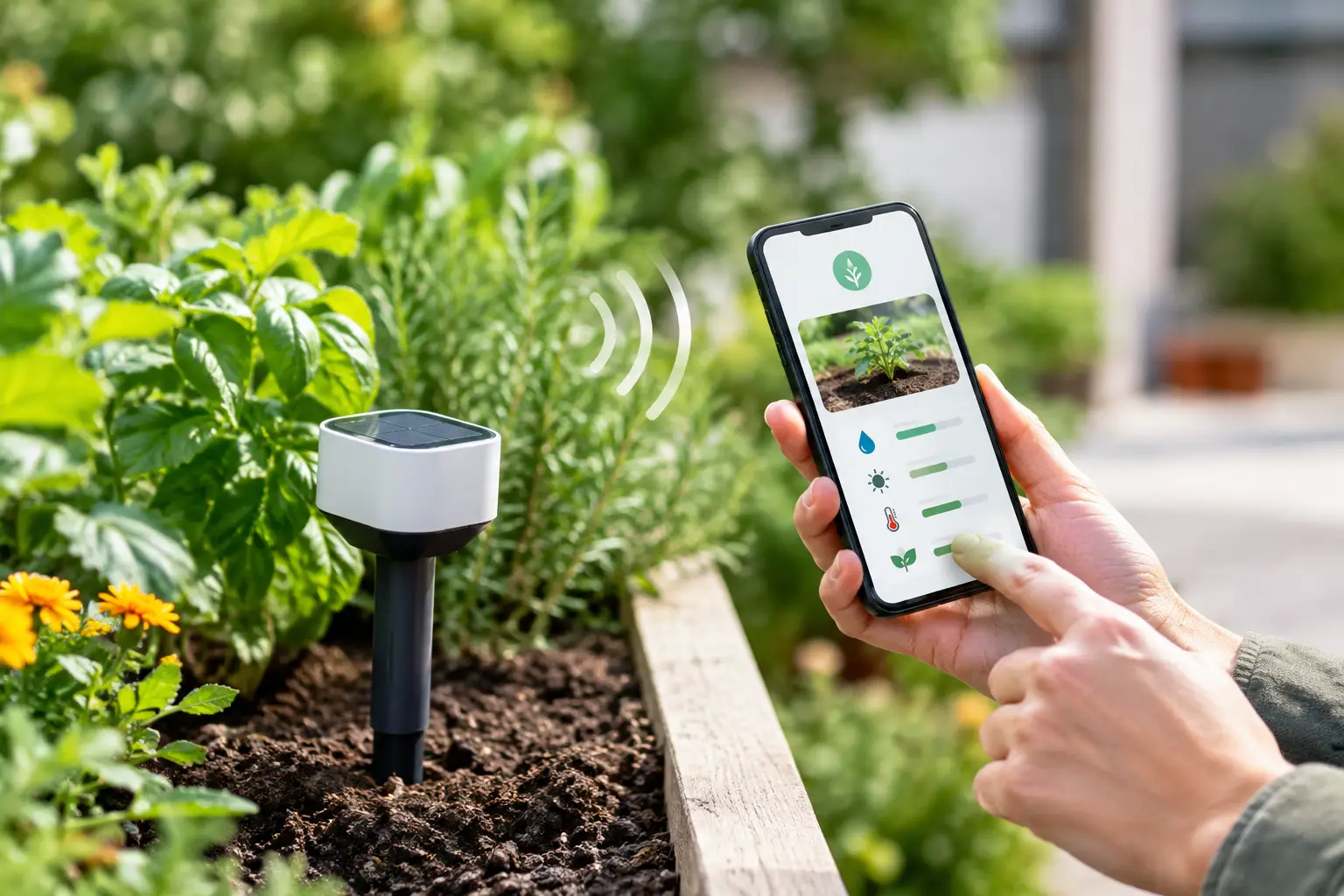
A soil sensor is only useful when its reading changes what happens in the garden. When you pair smart sensors to an app, the goal is not another dashboard to check. It is a clear flow: measure the soil around a plant, compare it with that plant’s moisture target, then water the right zone only when it needs it.
That is a meaningful step up from a fixed timer, particularly through an Australian summer. A sunny raised veggie bed, a sheltered courtyard fern and a lawn beside the driveway can all dry at different rates. One schedule cannot see that. A correctly paired sensor can.
Before You Pair Smart Sensors to an App
Start by checking compatibility, not just the logo on the box. Smart garden devices can connect through Bluetooth, Wi-Fi, Thread, Zigbee or a smart-home standard such as Matter. A sensor may work directly with a mobile app, through Apple Home, Google Home or Home Assistant, or require a compatible bridge from its manufacturer.
Verde is designed to work with compatible smart valves and soil sensors in the connected-home setup you already use. The practical question is whether your chosen sensor can share its readings where your garden app can use them. A sensor that appears in a general smart-home dashboard is not automatically able to drive garden automation. Check that moisture data is available, not simply battery level or a basic online status.
Put these details aside before you begin: the sensor’s mobile app or setup instructions, your Wi-Fi password if needed, and the name of the garden zone it will monitor. If you are connecting via Matter, also have the Matter setup code ready. It is usually printed on the device, packaging or a small card inside the box.
Choose the sensor location first
Pairing is faster when you already know what the sensor represents. Do not place one in the wettest corner of a large garden bed and expect it to make watering decisions for thirsty plants at the far end.
For a mixed bed, position it near the plants that best represent the zone, at root depth rather than just under the mulch. Keep it away from drippers, downpipes and the edge of the bed, where readings can be unusually wet or dry. In pots, use one sensor per pot where practical, or group plants only when they share a similar pot size, light level and watering need.
A single sensor can be a sensible starting point for a small, consistent zone. Larger or variable spaces may need more than one. The trade-off is simple: fewer sensors cost less and are easier to manage, while more sensors give the app a truer picture of local conditions.
Pair the Sensor in the Right Order
Most pairing problems are not garden problems. They come from trying to add a device before it is powered, reset, close enough to the network, or in the correct pairing mode.
First, fit the battery or charge the sensor if required. Remove any battery isolation tab and confirm the status light or display responds. Then place the device close to your phone and, if applicable, close to its Thread border router, Wi-Fi access point or manufacturer bridge for initial setup. You can move it to the garden once it is connected.
Open the app that manages the device ecosystem you are using. If the sensor is Matter-native, choose the option to add a Matter accessory and scan or enter its setup code. If it uses Bluetooth or the maker’s own connection process, follow that setup first. Give the sensor a useful name immediately, such as “Veg bed moisture” or “Courtyard pot sensor”. Names like “Sensor 01” become confusing quickly once you have several garden zones.
Once the sensor is visible, add or authorise it in your garden app. Assign it to the zone or plants it will inform, then confirm the app is receiving a current moisture value. A reading that says “offline”, “unavailable” or has not updated since setup should be fixed before you create any watering rule.
Pair the valve too, but keep its role separate
A sensor measures. A smart valve acts. Both need to be present and clearly assigned before automation can make reliable decisions.
Pair the valve using its supported connection method, name it for the tap or irrigation line it controls, and run a short manual test. Watch the irrigation outlet, not just the app screen. Confirm the valve opens, water reaches the intended drippers or sprinklers, and it closes again when commanded.
This manual test catches common issues: a closed tap, flat controller batteries, a blocked filter, crossed irrigation lines or a zone label that does not match the physical garden. It is far better to find these problems while standing beside the tap than after an automated watering cycle fails on a hot day.
Turn a Moisture Reading Into a Watering Decision
Soil moisture is a signal, not a universal instruction. A moisture value that suits a peace lily may be too wet for rosemary. The useful setting is each plant’s target range, combined with the reality of its pot, soil mix, sun exposure and drainage.
In Verde, you can photograph a plant to identify it, review a recommended moisture range, and set a target that suits its position. The app can then use actual soil conditions to decide whether watering is needed, rather than running a valve simply because it is 6 pm on Wednesday.
Begin with a conservative lower threshold. Set the app to water only once moisture drops below the target range, and set a clear stop point or watering duration that avoids soaking the bed. For a dripper-fed garden, shorter watering cycles with time for water to spread through the soil are often more accurate than one long run.
Weather should be part of the decision, but it should not overrule the soil without reason. Forecast rain may be enough to postpone a lawn watering cycle, while a covered balcony pot will stay dry regardless of what falls outside. Live local weather is useful context. The sensor remains the evidence of what is happening at the roots.
Give new automations a settling period
For the first week or two, treat automation as supervised gardening. Check the sensor reading against the soil itself. Push a finger into the soil near the sensor, lift a pot to judge its weight, and inspect plants early in the morning for stress signs.
You may need to adjust the threshold if a pot dries unusually fast, mulch keeps a bed moist for longer, or a sensor is placed in a pocket of soil that does not reflect the rest of the zone. This is calibration, not failure. Gardens change with seasons, plant growth and heatwaves, so a setting that worked in May may need attention in January.
Fix the Problems That Cause Bad Readings
If the app shows a low moisture reading straight after irrigation, first check sensor placement. Water may be reaching one part of the bed but not the root zone around the sensor. Drippers can shift, compacted soil can shed water, and dry potting mix can create channels that send water down the side of a pot.
If the reading never changes, inspect the battery, connection strength and device update interval. Some sensors report every few minutes; others update less often to preserve battery life. That is not necessarily a fault, but it affects how quickly an automation can respond. For fast-drying pots, a more frequent reporting device may be worth the battery trade-off.
Repeated dropouts usually point to distance or obstructions. Thick brick walls, metal sheds, underground placement and a sensor at the far end of the block can weaken wireless connections. A compatible Thread border router or repositioned network device may help, but do not assume stronger Wi-Fi alone will solve every protocol issue.
Also check the sensor itself. Soil and fertiliser residue can affect contact over time, while a damaged seal can let moisture into the electronics. Follow the maker’s care instructions and replace batteries before they are fully depleted, especially before a holiday or a stretch of hot weather.
Build Confidence Zone by Zone
There is no need to automate the whole garden on day one. Start with the zone that causes the most hassle: the thirsty veggie patch, the exposed front bed, or the collection of pots that always seems to dry out while you are away for the weekend.
Once the sensor, valve and moisture target are working together, expand one zone at a time. Keep labels simple, use separate targets for plants with genuinely different needs, and retain manual control for unusual jobs such as deep watering new trees or flushing a pot after fertilising.
The best automation feels quiet. It gives plants water when they need it, skips watering when they do not, and leaves you with a garden that needs less remembering and more enjoying.