How to Connect an Irrigation Valve to Matter
Learn how to connect an irrigation valve to Matter, set safe watering controls and pair soil data with weather for a healthier Australian garden at home.
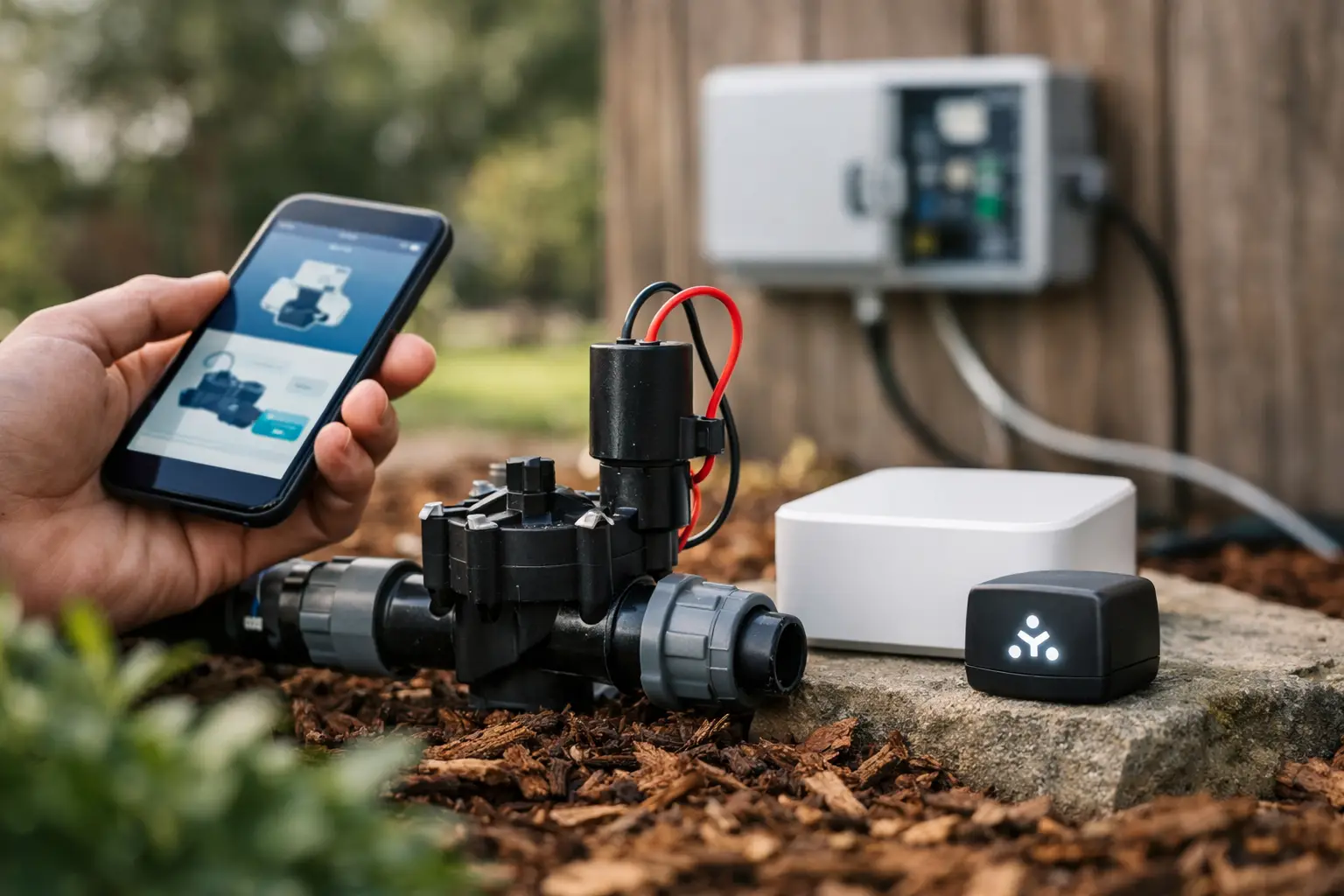
A garden tap timer can only follow the clock. When you connect an irrigation valve to Matter, your watering can become part of the connected home you already use - with control from your preferred platform, clearer zone status and automations that suit how your garden actually behaves.
That does not mean every garden suddenly needs more smart-home gear. The useful outcome is simpler: a valve opens when a garden zone needs water, closes when it has had enough, and remains easy to override when you are home with a hose in hand. Matter helps compatible devices work together, but the best result still comes from planning the irrigation side properly.
What Matter changes for an irrigation valve
Matter is a common smart-home standard. Instead of choosing a valve controller that only works inside one manufacturer’s app, a Matter-compatible controller can be added to supported ecosystems such as Apple Home, Google Home and Home Assistant. This gives you more choice over how you view and control the garden.
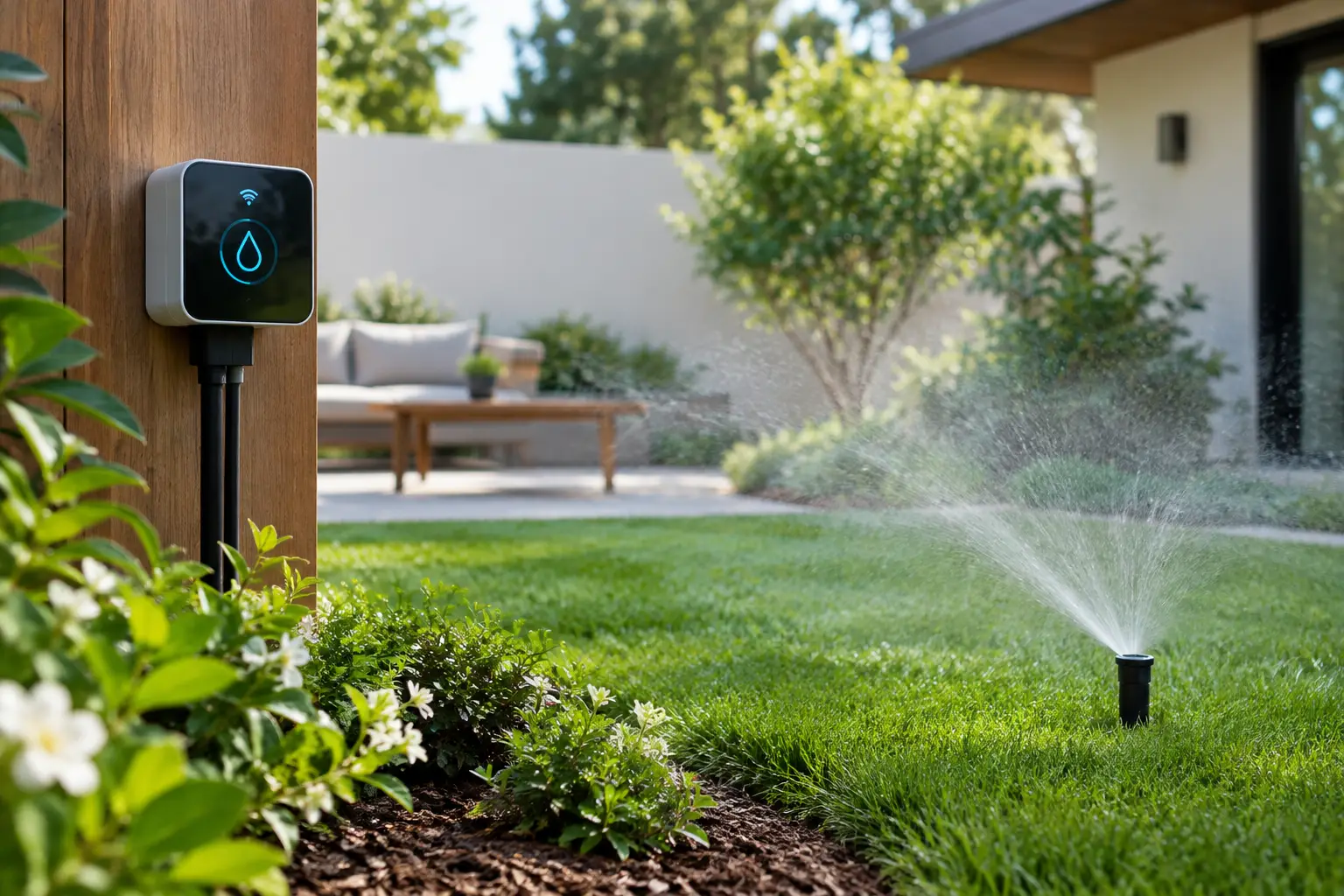
For irrigation, the controller is usually the smart device, rather than the valve itself. It sends power to one or more existing solenoid valves, which then open a line to a lawn, veggie bed, courtyard pots or ornamental border. A single-zone controller suits a small space. A multi-zone controller is more practical where different areas have different sun exposure, soil types and plant needs.
Matter is not a watering strategy on its own. It can tell a compatible controller to run or stop a zone, but it does not know whether your lemon tree is thirsty unless you provide useful signals. Soil moisture, local weather, plant targets and a sensible watering limit are what turn remote control into garden care.
Before you connect an irrigation valve to Matter
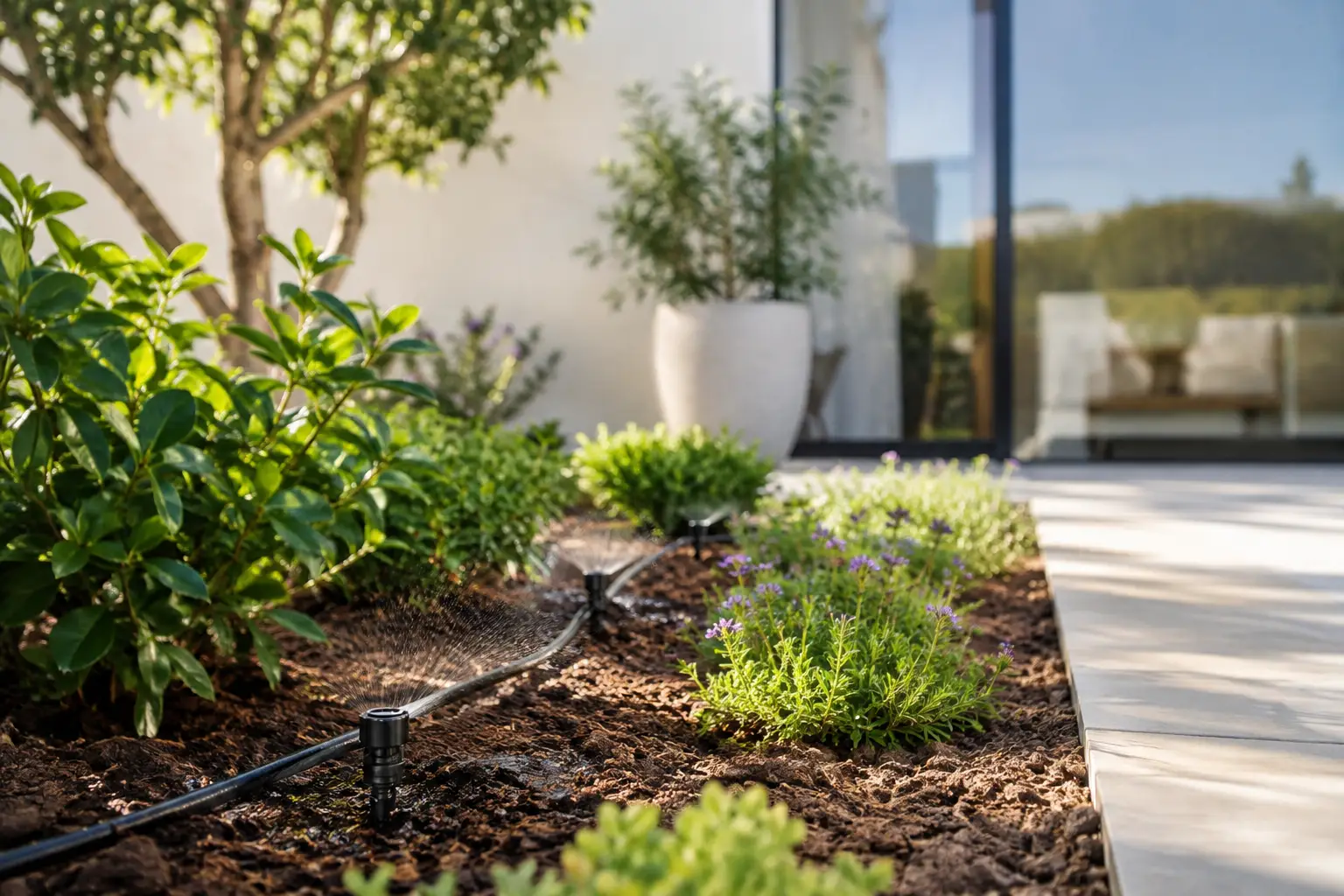
Start with the physical system. Smart controls cannot compensate for a blocked filter, a leaking joiner or a valve wired to the wrong zone. Run each zone manually first and check that water reaches the intended area evenly. It is also worth checking that drippers are not buried, pop-up sprinklers clear plants and the tap or irrigation supply has reliable pressure.
Next, confirm what you are connecting. A Matter-ready irrigation controller may manage standard 24-volt AC solenoid valves, a latching valve, or a tap-mounted watering outlet. These are different products with different installation requirements. Do not connect a controller to a valve type it does not support, and do not assume a garden tap controller can replace a wired multi-zone irrigation controller.
Check the device’s connectivity as well. Matter devices commonly use Wi-Fi or Thread. Wi-Fi can be straightforward if the controller is within reliable range of your home network. Thread is designed for low-power devices, but it needs a compatible Thread border router in the home to join your network. That may already be provided by an existing smart-home device, depending on your setup.
Finally, check the Matter version and platform support listed by the manufacturer. Matter compatibility is improving quickly, but the controls exposed in each platform can vary. One app may show simple on and off control, while another may offer richer zone settings, scheduling or automations. Buy for the controls you need, not just the Matter logo on the box.
Connect the controller, then name the garden zones
Install the controller according to its electrical and weather-protection requirements. For wired systems, switch off power before touching terminals. Label every zone wire before removing an old controller, then connect the common wire and each zone wire carefully. If the system uses a pump or master valve, make sure the controller supports that configuration.
Once powered, place the controller into pairing mode. Most Matter devices provide a QR code or numeric setup code. Add it through your chosen Matter-compatible smart-home app, following the on-screen prompts to join it to Wi-Fi or Thread. Keep your mobile close to the controller during setup, particularly in a garage, side passage or outdoor cabinet where signal strength can drop away.
When the controller appears in the app, rename every zone immediately. “Zone 1” is easy to forget by next weekend. Names such as “Front lawn”, “Raised herbs”, “West fence citrus” and “Back pots” make manual control safer and make future automations understandable at a glance.
Test one zone at a time. Start with a short run, walk the area and confirm that the correct valve has opened. Watch for unusually weak flow, water pooling near the valve box or a zone that runs somewhere you did not expect. This small check prevents the most common setup mistake: watering the wrong section of the garden on a repeating schedule.
Give your automations better information
A fixed schedule is useful as a backup, but it is rarely the best primary rule for an Australian garden. A 15-minute run that works in mild weather can be wasteful after rain and insufficient during a run of hot, dry northerlies. Different zones also dry at different speeds. Pots can need attention while an established native bed does not.
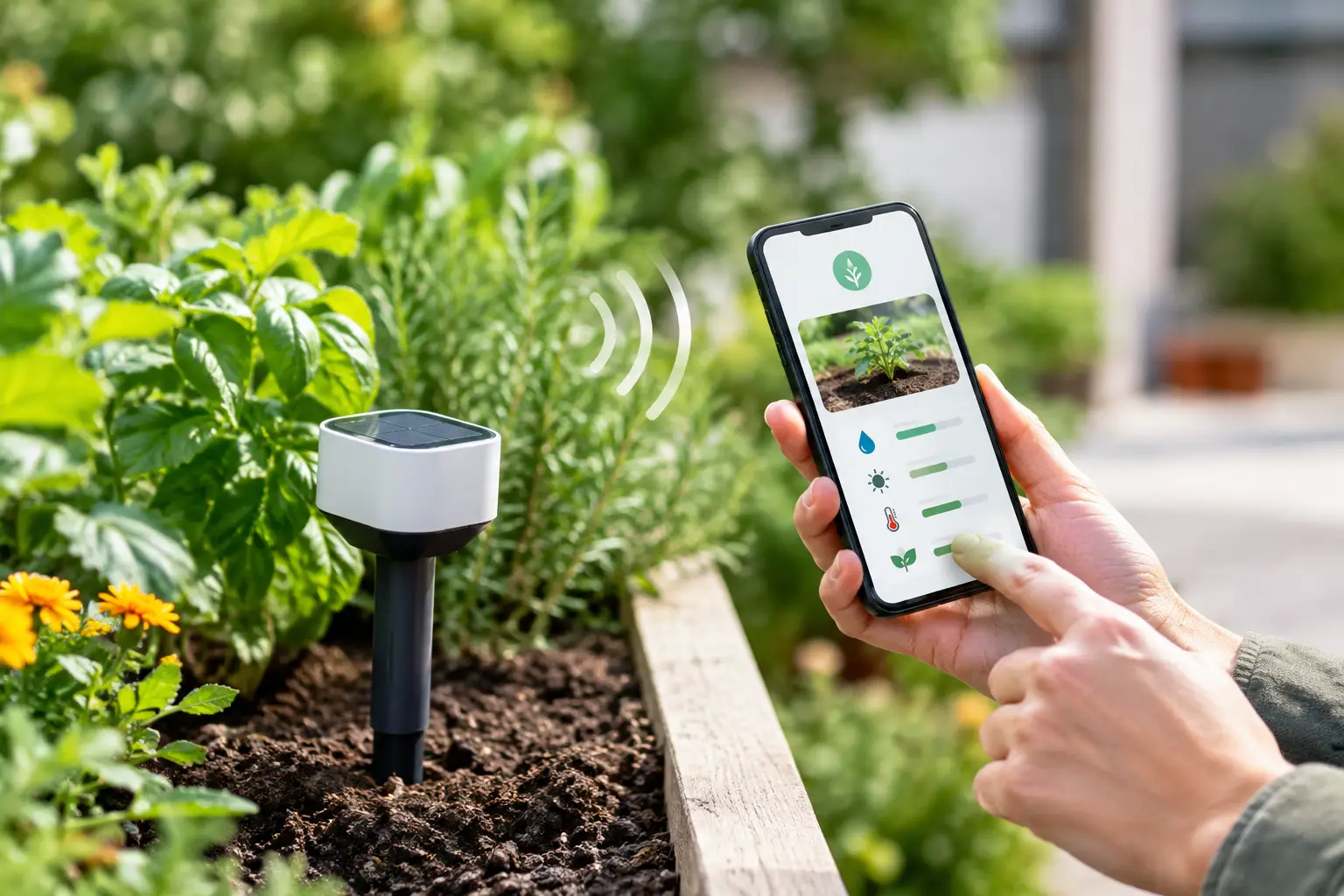
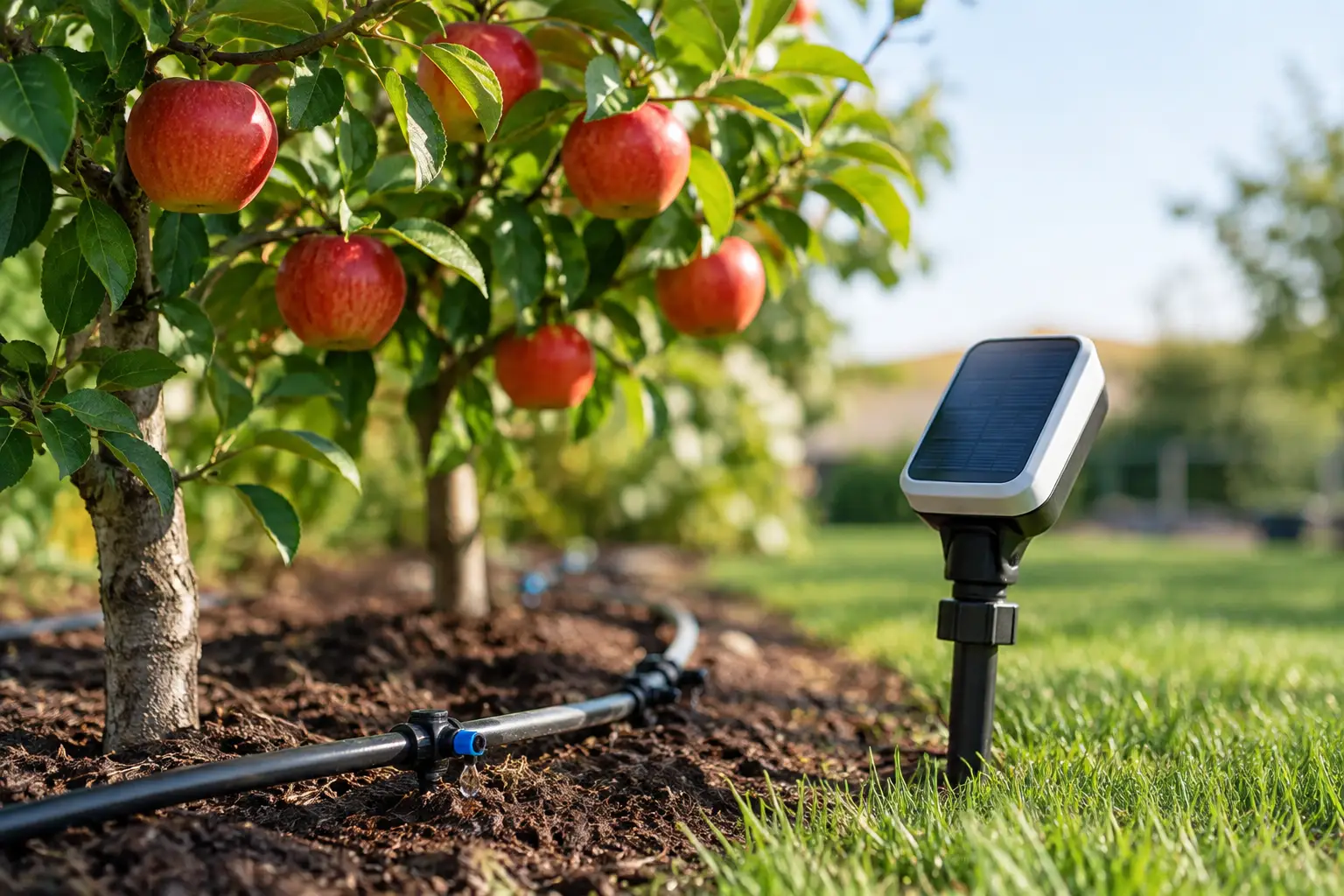
Soil-moisture sensors add the missing evidence. Place a sensor in the root zone, not at the edge of a dripper where readings may be misleading. For a mixed bed, measure near the plants that are most likely to suffer from drying out. In deep beds or containers, placement depth matters as much as location.
Then set a moisture target that reflects the plants in that zone. A veggie bed may need a higher minimum moisture level than drought-tolerant shrubs. If a zone contains plants with very different requirements, it may be time to divide it physically or accept that the zone must be managed around its most sensitive plants.
A practical automation uses boundaries. It might water only when soil moisture falls below the target, pause when rain is expected or has recently fallen, and stop after a maximum run time. The maximum is essential. It protects the garden if a sensor loses connection, reports an odd reading or sits in an unusually damp pocket of soil.
This is where one app for the whole garden is more useful than a collection of disconnected timers. In Verde, compatible smart valves and sensors can be organised by garden zone, with plant moisture targets, current soil data and weather-aware watering decisions in the same view. The aim is not to make watering mysterious. It is to replace guesswork with a clear rule: water this area when its soil is too dry for these plants.
Keep manual control close at hand
Automation should reduce chores, not remove your judgement. Keep a straightforward manual run option for newly planted seedlings, a heatwave, fertiliser application or a weekend when you notice one bed needs extra attention. A good setup lets you water a single zone without disturbing every other schedule.
It is also wise to set sensible seasonal limits. In cooler months, reduce run times and reassess whether each zone needs automated watering at all. During summer, inspect the garden rather than simply increasing every schedule. Wilting can come from underwatering, but it can also be caused by heat stress, root damage or poor drainage. More water is not always the answer.
If you are renting, choose a reversible approach where possible. A tap-mounted Matter controller, portable moisture sensors and clearly labelled hoses can provide meaningful control without changing hardwired irrigation. For homeowners with an established system, a multi-zone controller may be the better long-term fit.
Troubleshoot the problems that matter most
If pairing fails, begin with distance and network type. Move closer to the controller, confirm your mobile is on the intended home network and check whether a Thread border router is available if the device uses Thread. Restarting the controller can help, but avoid factory-resetting it until you have checked the setup instructions, as this may remove existing configurations.
If the controller is online but a zone will not run, test the valve manually from the controller first. A clicking controller with no water flow often points to a supply, solenoid or wiring issue rather than a Matter issue. If the wrong zone opens, revisit the terminal labels. If watering runs too often, review moisture-sensor placement, target thresholds and any overlapping schedules created in separate smart-home apps.
Try to keep one system responsible for the final watering decision. You can still use Apple Home, Google Home or Home Assistant for visibility and manual commands, but competing schedules can create confusing results. One clear flow is easier to trust, especially when you are away.
The most useful connected irrigation setup is not the one with the most automations. It is the one that gives each part of your garden the water it needs, shows you what is happening, and lets you get on with enjoying the garden instead of constantly managing it.