Home Assistant Irrigation Automation That Works
Set up Home Assistant irrigation automation that responds to soil moisture, plant targets and local weather, so every garden zone gets water when needed.
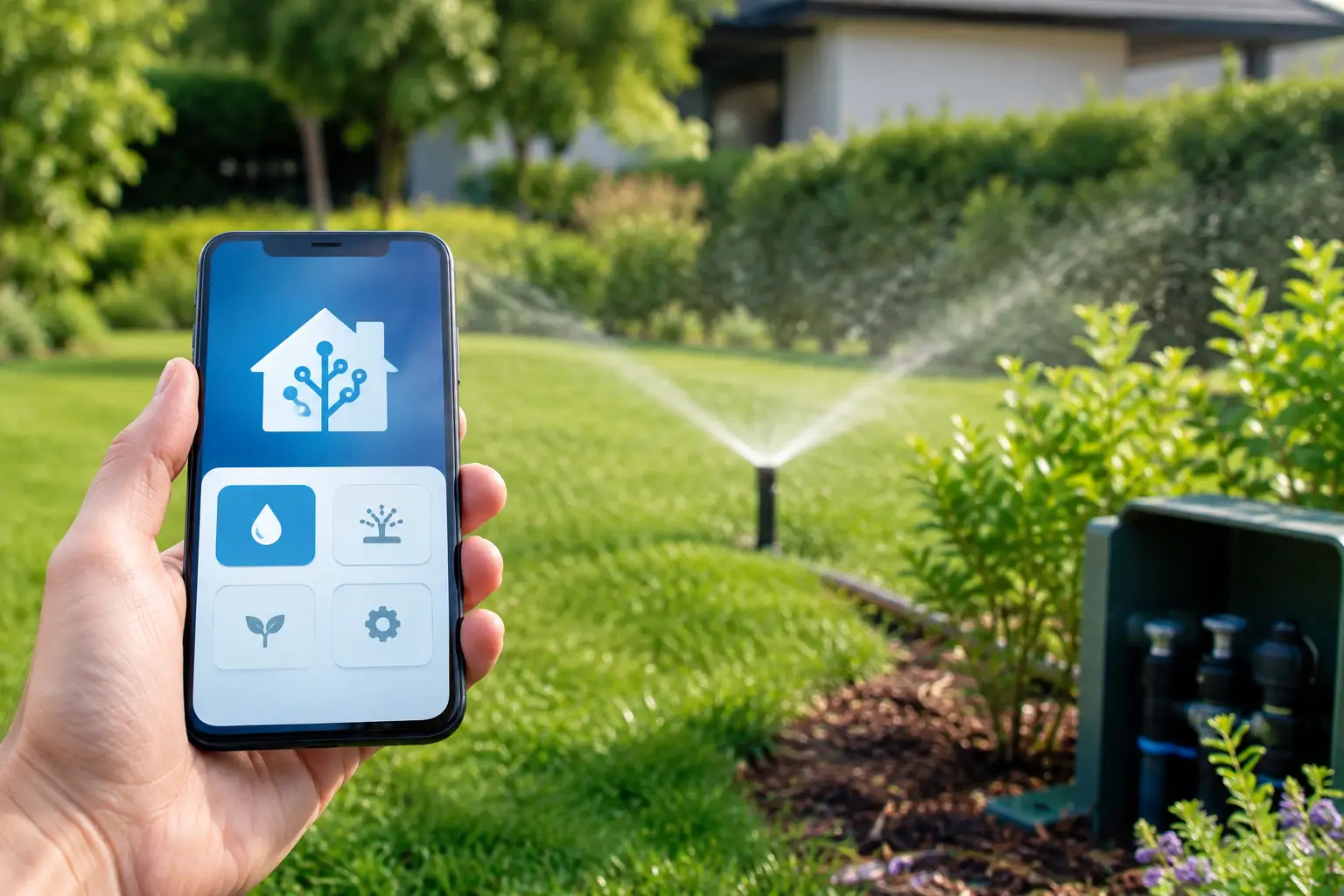
A basic irrigation timer knows what day it is. It does not know whether last night’s rain reached the roots, whether the north-facing herbs dried out by lunchtime, or whether a dripper has been running longer than it should. Home Assistant irrigation automation changes that by letting your garden respond to real conditions rather than a fixed timetable.
For Australian gardens, that difference matters. A hot, dry northerly can change soil moisture quickly, while a summer storm can make a scheduled watering unnecessary. The aim is not to automate watering for its own sake. It is to give plants the water they need, reduce waste and remove one more recurring job from your week.
What a useful irrigation setup needs
Home Assistant can bring valves, sensors, weather data and schedules into one place. But a good garden automation is more than connecting a smart tap and setting a time. It needs clear decisions: when to water, when not to water, how long to run each zone and what happens if a device stops reporting.
Start with your garden zones. A lawn, raised vegetable bed, citrus tree and shaded fern border should not share one watering rule simply because they are near each other. Group plants with similar light, soil and moisture needs where possible. If one valve controls a mixed bed, set its target around the thirstiest plant only if the others can safely tolerate that extra water. Otherwise, splitting the zone is usually the better long-term fix.
You will generally need a compatible smart valve or irrigation controller, a reliable way to measure soil conditions, and Home Assistant running on your chosen hardware. A weather integration is useful too, but it should support the decision rather than make it alone. Rainfall recorded at a nearby station is not proof that water reached soil beneath a dense shrub or patio cover.
Choose sensors that answer a real question
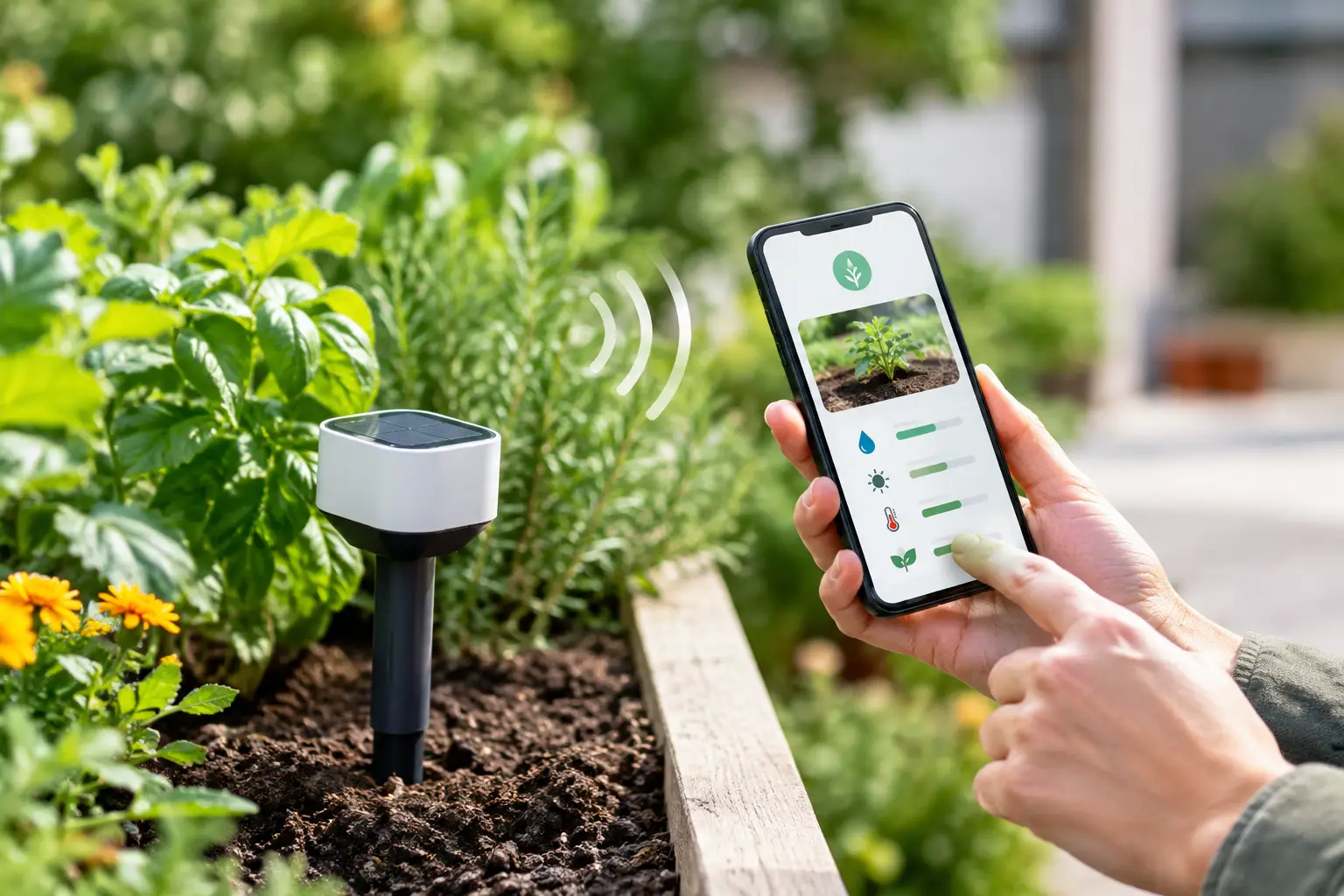
Soil-moisture sensors are most valuable when they are placed where roots actually draw water. For shallow-rooted vegetables, that is often closer to the surface than it is for established shrubs. Avoid placing a sensor directly under a dripper, where it may report a wet patch while the rest of the root zone is dry.
One sensor per valve is a sensible starting point. Larger or more varied zones may need more. If two sensors in the same bed regularly disagree, do not average them automatically without checking placement, battery state and soil contact first. A sensor buried in compacted soil can tell a very different story from one sitting in loose mulch.
Sensor readings also need context. Some devices report percentage, others provide a raw value, and neither is a universal measure of plant health. Establish a practical range for your soil and plants by checking readings after a thorough watering, then again when a plant is beginning to need water. The useful number is the one that helps you make a repeatable decision in that specific zone.
Build Home Assistant irrigation automation around thresholds
The most reliable pattern is simple: water only when soil moisture falls below a defined threshold, and stop when a maximum run time is reached. Add a watering window so the system runs in the early morning, when evaporation is lower and the garden is less likely to stay wet overnight.
For example, a vegetable bed could be checked at 6:00 am. If its moisture sensor is below the lower target, no meaningful rain is expected soon and the valve has not already run that day, Home Assistant can open the valve. It can run for a measured duration, then close regardless of whether the sensor has updated immediately.
That maximum duration is essential. Sensors can fail, batteries can go flat and wireless connections can drop out. Your automation should never rely on a single live reading to close a valve. Use a hard stop, and consider a second failsafe automation that turns every irrigation valve off after a set period.
A useful automation normally includes these conditions in plain language:
- the soil is below its watering threshold;
- the zone is inside its approved watering window;
- rain has not already met your skip rule;
- the valve has not exceeded its daily limit; and
- the system is not in holiday, maintenance or rain-delay mode.
Avoid making the first version too clever. A dependable rule with one soil sensor and a time limit is better than a complex setup that nobody feels confident adjusting. Once it has run for a few weeks, historical data will show whether the threshold or run time needs changing.
Use weather as a guardrail, not the boss
Weather-aware irrigation can prevent obvious waste. If rain is falling, or a meaningful amount is expected shortly, delay the cycle. If the forecast is hot and dry, you may allow an additional check later in the day for sensitive containers.
Forecasts are estimates, though, and Australian microclimates are real. A coastal garden, an exposed western courtyard and a shaded inner-suburban yard can experience very different conditions on the same day. Soil moisture should remain the primary signal where you have a sensor. Weather works best as a sensible guardrail: skip watering during rain, pause after a strong rainfall event, or narrow the watering window on a high-wind day.
Be careful with automatic rain skips in covered areas. A sensor in a planter under an eave may still need water while the weather service reports 20 mm of rain. This is another reason to treat each zone separately instead of applying one garden-wide rule.
Make valves safe to automate
Water and automation need a conservative approach. Before leaving a valve unattended, test it while you are home. Confirm that Home Assistant receives the correct open and closed state, that the valve closes when commanded, and that manual control still works when required.
Set a maximum run time for every zone, plus a daily cap. A lawn might be allowed a longer cycle than a row of herbs, but neither should be able to run indefinitely after a communication problem. Notifications are worthwhile for unusual events, such as a valve that remains open beyond its expected time, a sensor that has not reported for a day, or repeated watering requests from the same zone.
Also plan for power and network interruptions. Some smart valves retain their last state, while others follow an internal schedule or become unavailable until they reconnect. Know what your device does before relying on it. If you are using mains-powered irrigation equipment, have it installed safely and use appropriately rated outdoor hardware.
Keep manual watering easy
Automation should not make a garden harder to care for. Create simple controls in your Home Assistant dashboard for each zone: water now, pause for 24 hours, disable automation and view the latest moisture reading. Label zones by place and purpose, such as “rear veg bed” or “front lemon tree”, rather than by an obscure device name.
A manual pause is particularly useful after hand-watering, fertilising, moving pots or repairing a dripper line. It stops your smart system from responding to a temporary change as if it were a normal watering pattern.
Turn data into better garden decisions
The value of Home Assistant grows after the first automation runs. Track soil moisture, valve run time and local weather over several weeks. You may notice that one bed dries far faster than another, a valve needs shorter cycles than expected, or a particular sensor becomes unreliable after heavy rain.
Use those patterns to adjust gradually. Change one variable at a time: lower the threshold slightly, shorten the run time, or change the check interval. Then watch the results. Plant leaves, growth and soil feel still matter. Automation provides useful evidence, not a reason to stop looking at the garden.
For people who want plant-level guidance alongside Home Assistant control, Verde brings plant identification, defined moisture targets, health checks, zone organisation and compatible valve and sensor control into one app. It can be a practical way to decide what each zone should be aiming for before Home Assistant carries out the routine.
A better first automation than a perfect one
Begin with the zone that is easiest to observe, such as a vegetable bed or a set of outdoor pots. Use one moisture threshold, one morning check and one maximum watering duration. Let it run while you are nearby for the first few cycles, then review the data and the plants themselves.
Once that zone is behaving well, repeat the approach for the rest of the garden. Your best irrigation system will not be the one with the most conditions or the busiest dashboard. It will be the one that quietly gives each part of the garden an appropriate drink, while leaving you more time to enjoy it.