Matter Device Compatibility for Smarter Gardens
Matter device compatibility helps your garden devices work together. Learn what Matter supports, where limits remain, and how to choose smarter irrigation.
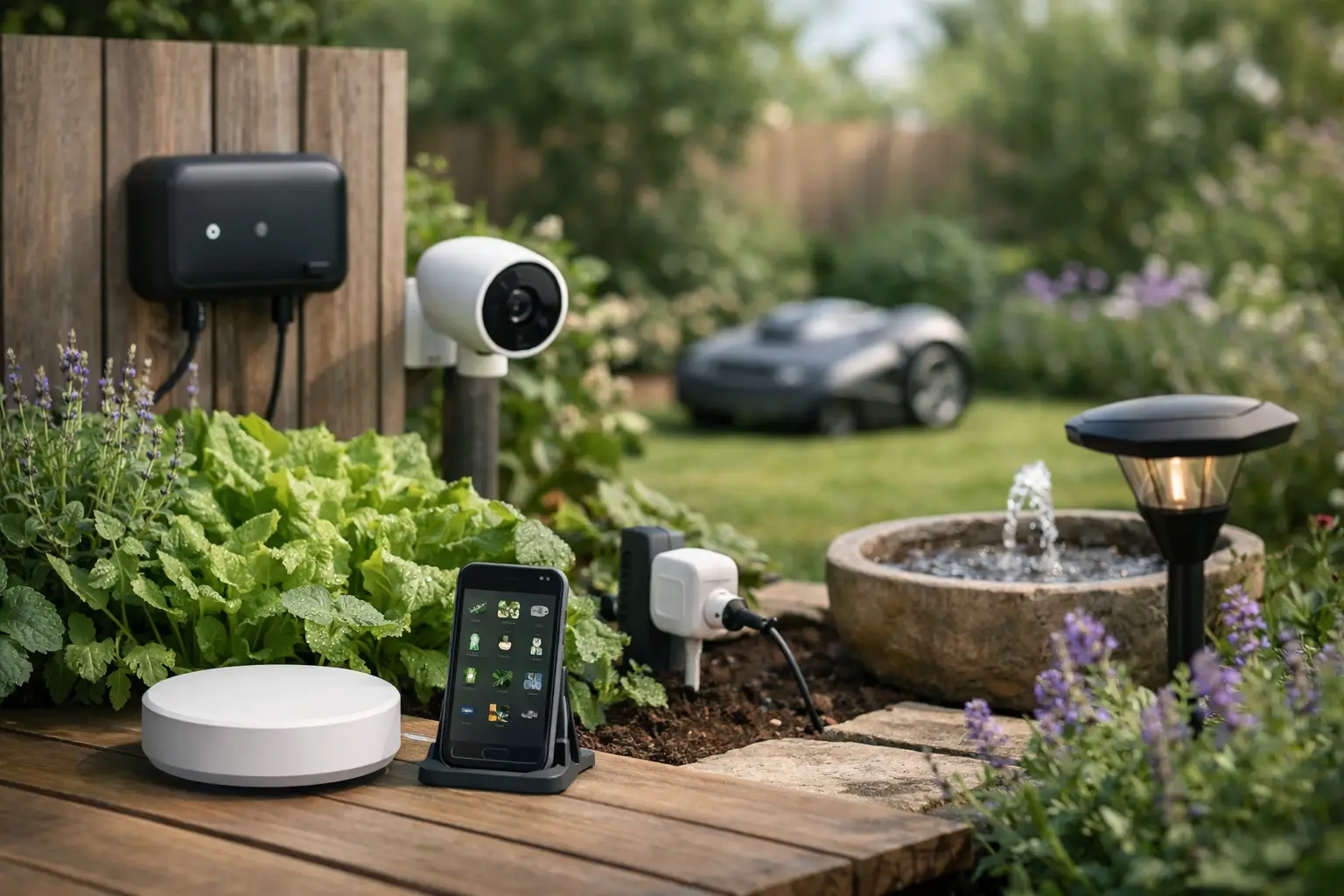
A smart valve that appears in one app but not another is not much help when your garden needs water. Matter device compatibility is designed to reduce that friction, giving connected devices a common way to communicate across the smart-home platforms people already use. For garden care, that can mean less time managing settings and more confidence that your sensors, valves and automations are working from the same plan.
Matter is a major step forward, but it is not a promise that every feature of every device will appear everywhere. The difference matters when you are choosing irrigation controls, soil sensors and the system that makes watering decisions.
What Matter device compatibility actually means
Matter is a smart-home connectivity standard. A Matter-certified device can connect with supported ecosystems such as Apple Home, Google Home and Home Assistant without being locked into a single manufacturer’s app or proprietary bridge.
For a garden, the practical benefit is choice. You may want to use Apple Home for household scenes, Home Assistant for detailed automation, and a garden app for plant-level care. Matter gives compatible devices a shared language so those systems can see and control the same core device functions.
That does not mean all devices become identical. A Matter-compatible valve may expose open, close and flow-related controls where supported. A sensor may share readings such as moisture, temperature or humidity, depending on its device type and implementation. The receiving platform then decides which of those controls and readings it displays.
Think of Matter as the plumbing between devices and platforms. It makes the connection more consistent, but the quality of the garden workflow still depends on the hardware, the app and the automation logic behind it.
Why compatibility matters more outdoors
Indoor smart-home tasks are often simple: turn on a light, lock a door, start a scene. Gardens are less predictable. A hot northerly can dry a raised veggie bed quickly, while an established shrub beside it may need nothing. Rain may reach one side of the yard and miss a covered courtyard entirely.
A fixed watering schedule cannot see those differences. Nor can a disconnected collection of apps that each operate one piece of equipment. Useful garden automation needs sensor data, local weather, zone organisation and valve control to work together.
This is where Matter can reduce the usual setup burden. Instead of buying into a closed ecosystem just to operate a valve, you can choose devices that fit the wider smart home you already have. You can also retain flexibility if you change platforms later.
For renters, this can be particularly useful. A portable sensor or tap controller that works with your preferred platform is easier to take to the next place than a permanently installed proprietary system. For homeowners with larger gardens, interoperability helps prevent a gradual pile-up of disconnected gadgets across lawns, beds, pots and irrigation zones.
Matter compatibility is not the same as feature compatibility
The label on the box is a starting point, not the final answer. Before buying a Matter device for the garden, check what it can do in the platform you plan to use.
Check the device category and exposed controls
A device may be Matter-certified while only sharing its basic functions. That is enough for some jobs. If you only need to turn a tap on or off from your mobile, basic valve control may be fine.
It is not enough if your goal is responsive irrigation based on soil moisture thresholds, weather conditions and plant needs. In that case, confirm that the sensor readings you need are available, update often enough, and can be used by the app or automation service making the watering decision.
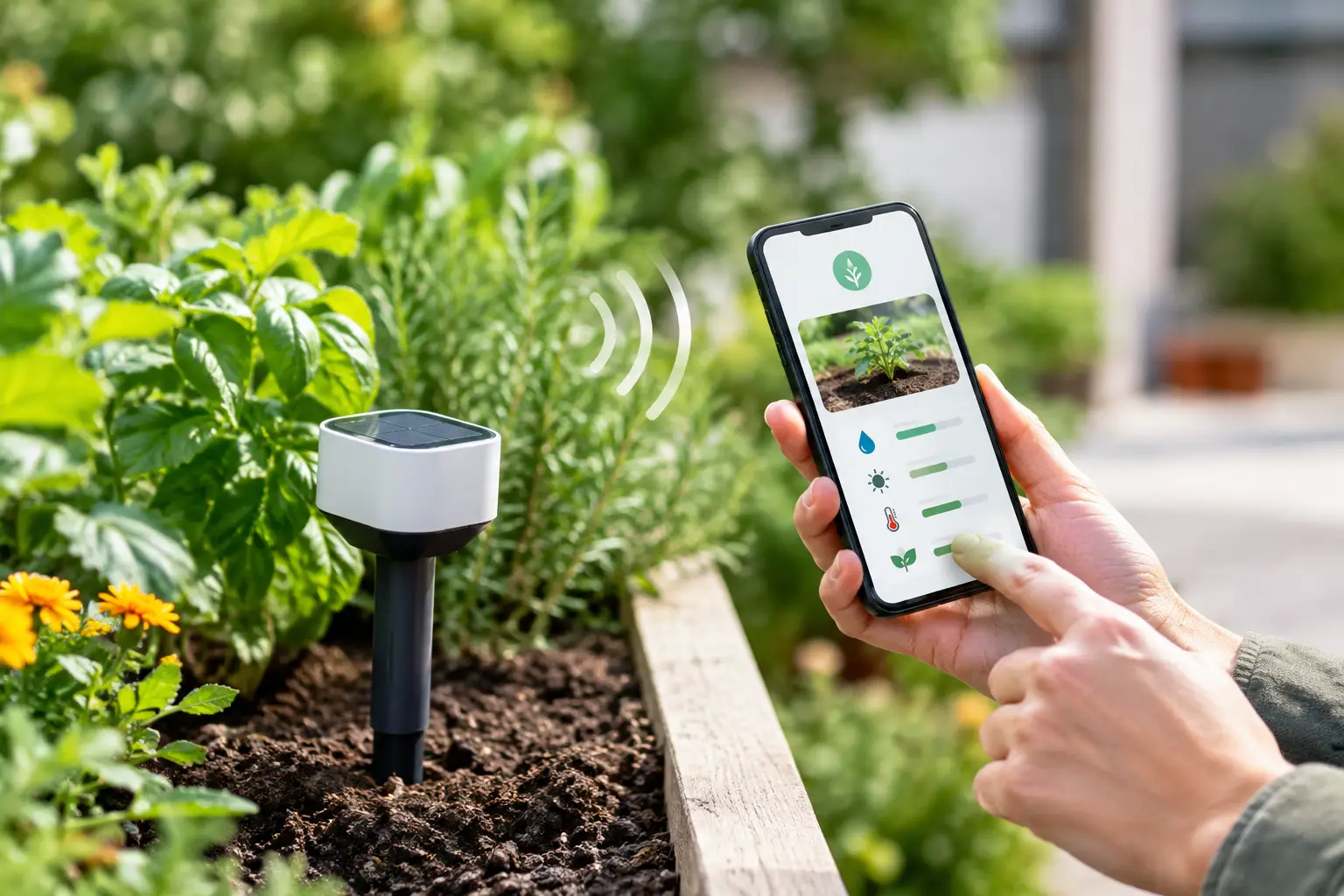
Soil moisture is a good example. Some products report a percentage, others use a relative scale, and some may present readings only in their own app. The number itself is less useful than knowing how the sensor behaves in your soil and whether your chosen system can act on that reading.
Check the connection type
Matter devices commonly use Wi-Fi, Thread or Ethernet. The connection type affects range, battery life and what else you need at home.
Wi-Fi can be straightforward for a mains-powered valve near good coverage, but signal strength at the far end of the garden is often weaker than expected. Thread is designed for low-power devices and can suit battery or solar-powered sensors, but it requires a compatible Thread border router to connect the Thread network to your home network.
Matter does not automatically remove this requirement. The good news is that many households already have a suitable controller or border router through their existing smart-home equipment. Check before purchasing rather than discovering the gap after installing a sensor in the back corner of the block.
Check whether a bridge is involved
Some existing devices can join a Matter setup through a manufacturer’s bridge. This can be a sensible way to keep hardware you already own, especially when replacing every valve or sensor would be wasteful.
However, bridged devices may not expose every feature to every platform. They also still rely on that bridge being powered, connected and supported. If you are building a new garden system, native Matter devices can offer a cleaner path. If you are extending an established system, a bridge may be the more practical choice.
Choose devices around the outcome you want
Start with the garden problem, not the protocol. If your main issue is forgetting to water pots, a compatible tap controller and a simple schedule may solve it. If you lose plants because conditions change between watering days, add soil sensing and a system that can respond to a defined moisture target.
For multi-zone gardens, map the garden first. Group plants with similar moisture needs rather than treating the entire yard as one zone. Citrus in full sun, shaded ferns, a lawn strip and a vegetable bed should not all receive the same rule simply because they share an irrigation line.
Then consider the decision-making layer. Smart-home platforms are excellent for broad household control, voice commands and simple routines. A specialist garden platform can add the detail that generic automation does not know: plant identity, suitable moisture ranges, local weather context and the relationship between a particular sensor and valve.
Verde brings those layers together in one app, supporting compatible smart valves and soil sensors while working across Apple Home, Matter, Google Home and Home Assistant. The aim is simple: use actual soil conditions and each plant’s target range to guide watering, rather than relying only on the clock.
A practical compatibility checklist
Before you commit to a device, make sure you can answer these questions clearly:
- Does it support Matter natively, or does it need a bridge?
- Does it use Wi-Fi or Thread, and is coverage available where it will be installed?
- Which readings and controls appear in your preferred platform?
- Can those readings trigger the kind of automation you want?
- Will it operate safely outdoors, with suitable weather protection and power options?
- Does the manufacturer provide ongoing firmware updates and clear setup guidance?
The last point is easy to overlook. Matter improves interoperability, but firmware still matters. Updates can add support, fix pairing issues and improve behaviour across platforms. A device that is inexpensive but poorly supported can cost more time than it saves.
Build for flexibility, not just the first setup
A good garden system should be easy to expand. You may begin with one valve for a courtyard or veggie patch, then add another zone when summer arrives. You may start with schedules, then introduce soil sensors after seeing how differently each bed dries out.
Matter makes this gradual approach more realistic because you are not forced to commit every future purchase to one closed brand. Still, it pays to standardise where it counts. Use compatible connection methods, place devices where they have reliable signal, and keep names clear. “Back veggie bed moisture” is far more useful than “Sensor 3” when you are troubleshooting on a warm Saturday morning.
The best result is not a garden full of smart devices. It is a garden that receives the right attention without becoming another job on your list. Choose compatible hardware carefully, let the data reflect what is happening in your soil, and keep the technology focused on healthier plants and less wasted water.