Plant Care App Comparison for Australian Gardens
This plant care app comparison helps Australian gardeners choose identification, health, watering and smart-home tools that genuinely reduce garden chores.
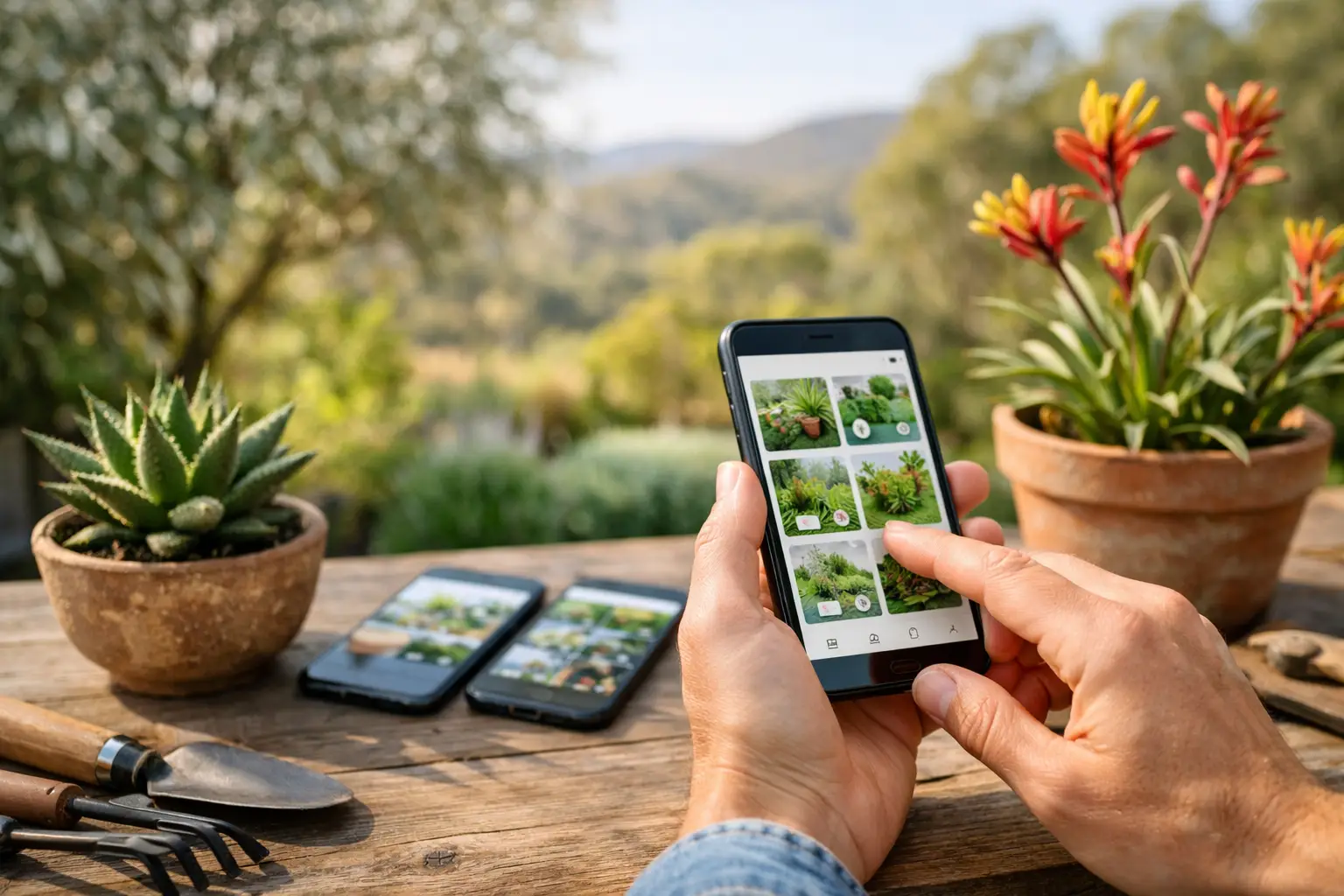
A plant care app comparison becomes useful the moment your garden stops fitting in your head. The lemon tree has different needs from the rosemary beside it. The indoor monstera is drying out faster than usual. One lawn zone is shaded after 3 pm, while the veggie bed bakes. A basic timer can water all of them, but it cannot tell you whether they need water today.
The best app for your garden depends on the problem you want to remove. Some apps are excellent plant encyclopaedias. Others identify a mystery plant from a photo or flag visible stress. Smart irrigation apps may control a valve reliably, yet still run on fixed schedules. For a connected garden that can grow beyond a few pots, the question is whether those functions work together in one simple flow, not a dozen chores.
What a plant care app should actually do
Start with the outcome, not the app store category. If you regularly forget plant names, identification and care guidance will make an immediate difference. If you have lost plants after hot weather, health checks and moisture-based watering matter more. If watering is eating into every weekend, look for automation that can respond to soil conditions, weather and the plant in front of it.
A useful plant record goes beyond a botanical label. It should help you organise plants by location or garden zone, capture photos over time, and set a meaningful moisture range. That turns a collection of reminders into a working picture of the garden.
For Australian conditions, local weather awareness is particularly valuable. A watering routine that made sense during a mild week can be wasteful during rain, or inadequate through a run of hot, dry days. Weather data is helpful, but it is not the same as knowing what is happening in your soil. Rain can wet the surface of a mulched bed while the root zone remains dry. Conversely, a scheduled cycle can soak already wet soil after a storm.
Plant care app comparison: four app types
Most plant apps fall into four overlapping groups. Knowing their limits makes it easier to choose without paying for features you will not use.
1. Plant identification and reference apps
These apps answer the first question: what is this plant? Take a photo and receive a likely identification, common care notes and sometimes toxicity information. They are useful for a newly planted garden, inherited plants at a rental, or the mystery shrub already growing along the fence.
Their weakness is that generic care guidance is only a starting point. “Water regularly” means something very different for a native shrub in sandy Perth soil than it does for a fern in a humid Sydney courtyard. Identification is valuable, but it does not itself manage watering or show whether a specific plant is thirsty.
2. Plant health and diagnosis apps
Photo-based diagnosis tools can spot signs of yellowing, browning, pest damage or nutrient issues. This can be reassuring for beginners and faster than searching symptoms one by one. It is also useful as an early prompt to inspect a plant closely.
Treat diagnosis as guidance, not a final verdict. Similar leaf symptoms can result from overwatering, underwatering, heat stress, poor drainage, pests or seasonal change. The best workflow combines a photo assessment with real-world checks: feel the soil, inspect the underside of leaves, consider recent weather, and look at the plant’s location.
3. Reminder and journal apps
A care calendar is a major step up from trying to remember every fertilise, prune and water date. These apps suit indoor collections, balcony gardens and gardeners who prefer to do the work themselves but want less mental load.
The trade-off is that reminders run on assumptions. A reminder to water every seven days cannot know whether last weekend brought 40 mm of rain, whether a pot has dried in a northerly wind, or whether the soil is still at the plant’s target level. Reminders are good for recurring tasks. They are less convincing as the main watering strategy for a varied outdoor garden.
4. Smart irrigation and garden automation apps
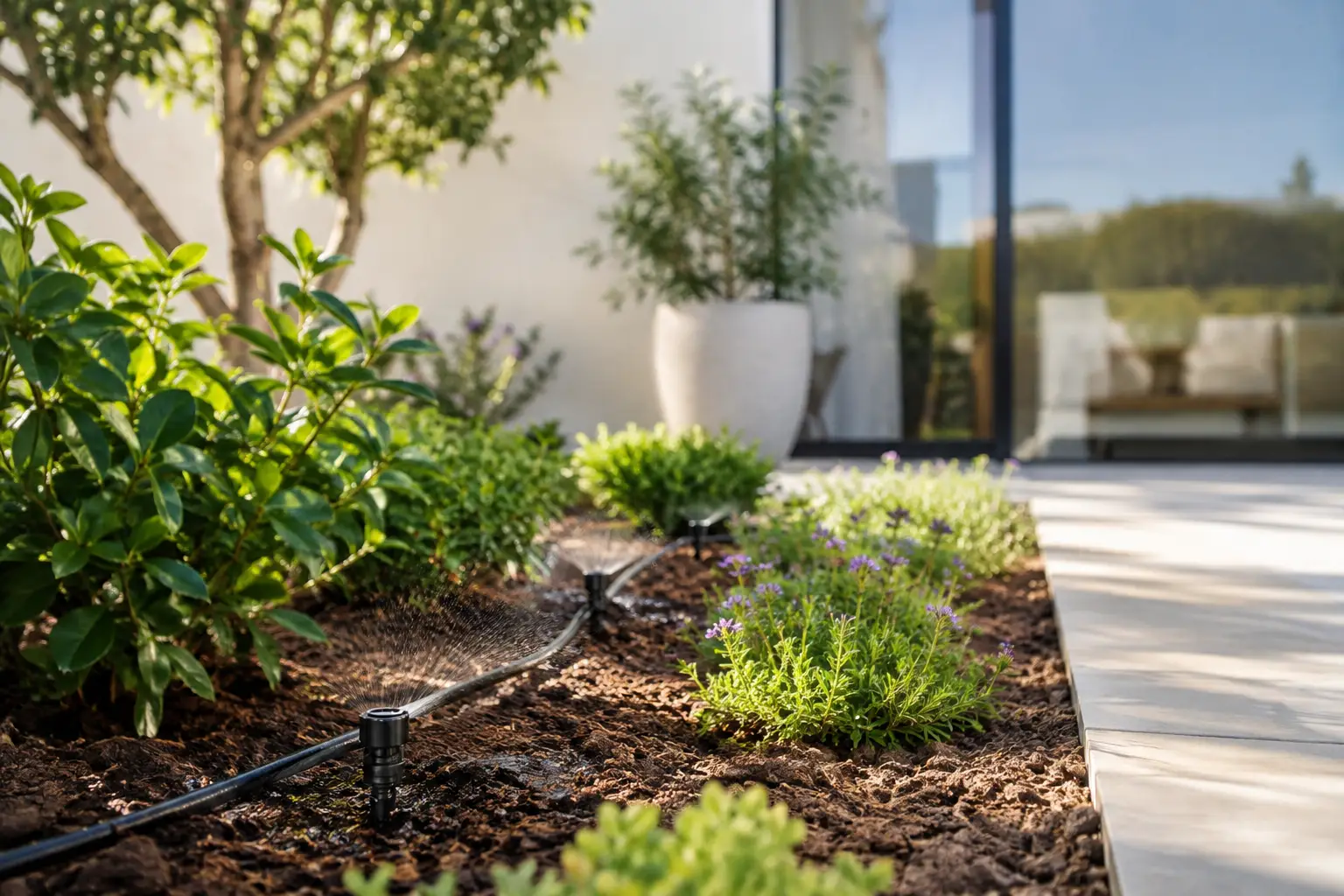
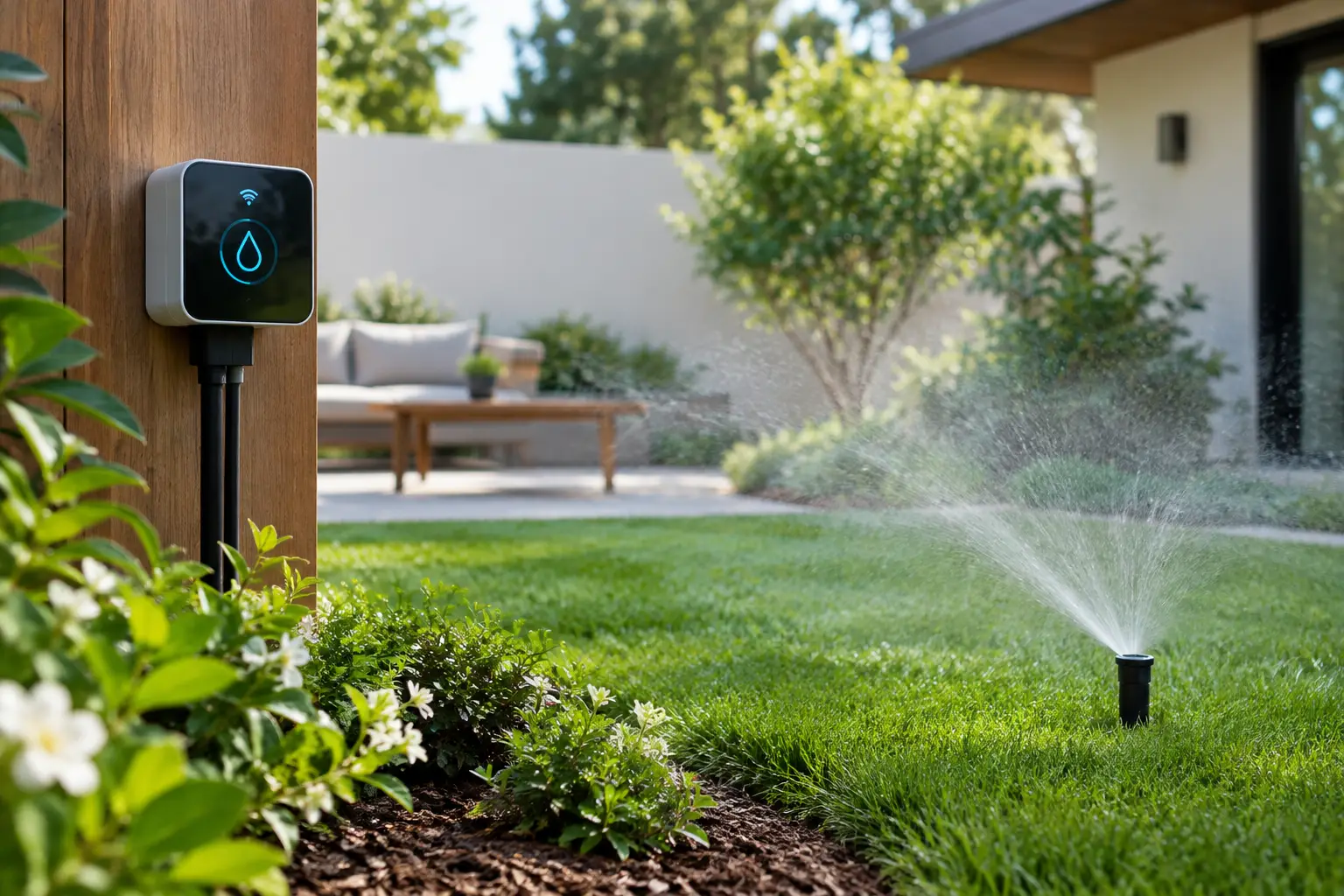
These apps connect to valves, controllers and sometimes soil-moisture sensors. At their simplest, they replace a manual tap or irrigation timer with mobile control and schedules. That is convenient, particularly when you are away for a weekend, but schedule-only control remains timer logic on a phone.
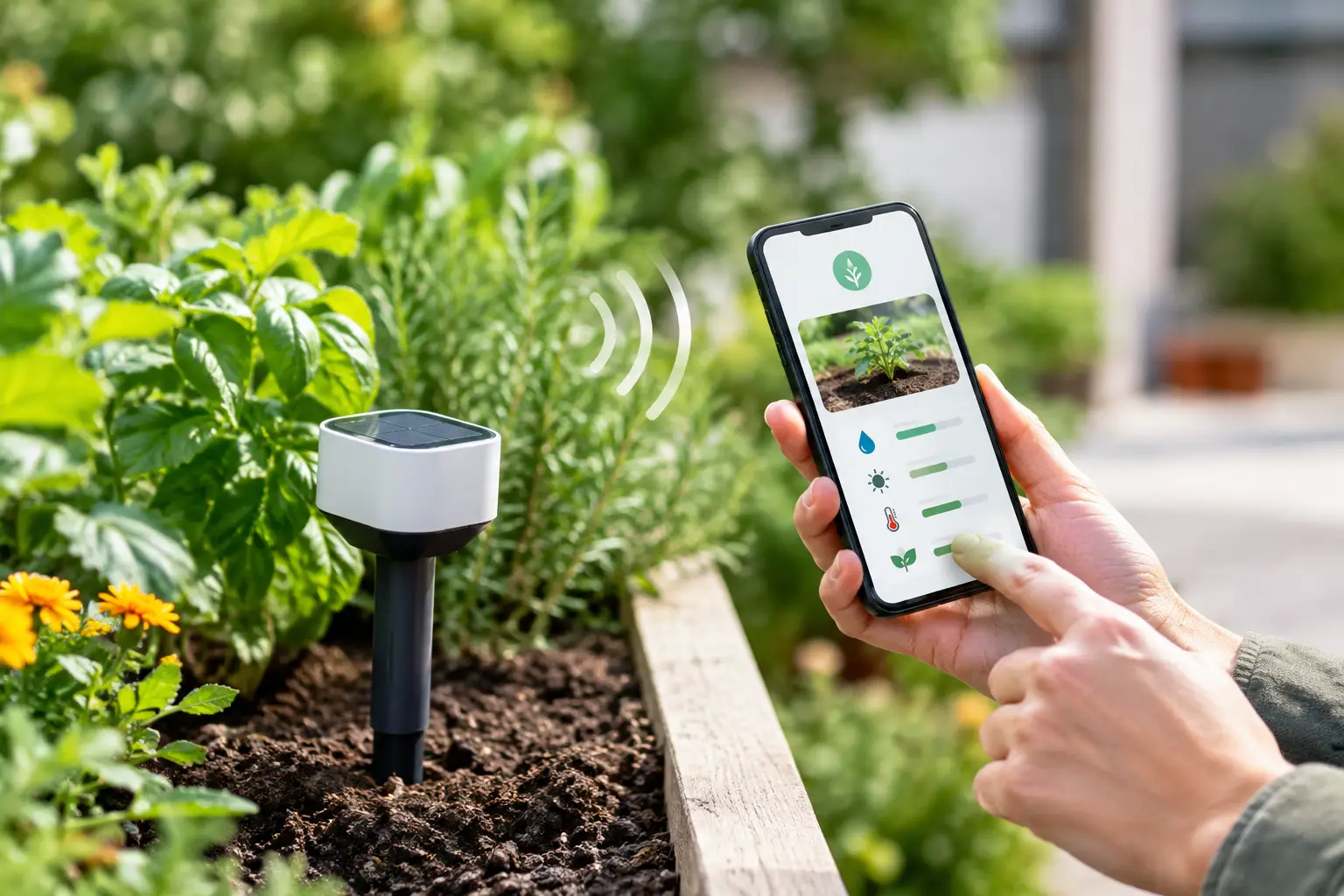
A more capable system treats the sensor reading and plant moisture target as the decision point. Set the range your plant or zone needs, then let the valve open when soil is too dry and stop when the target is reached. Add live local weather as another input and watering becomes responsive rather than repetitive.
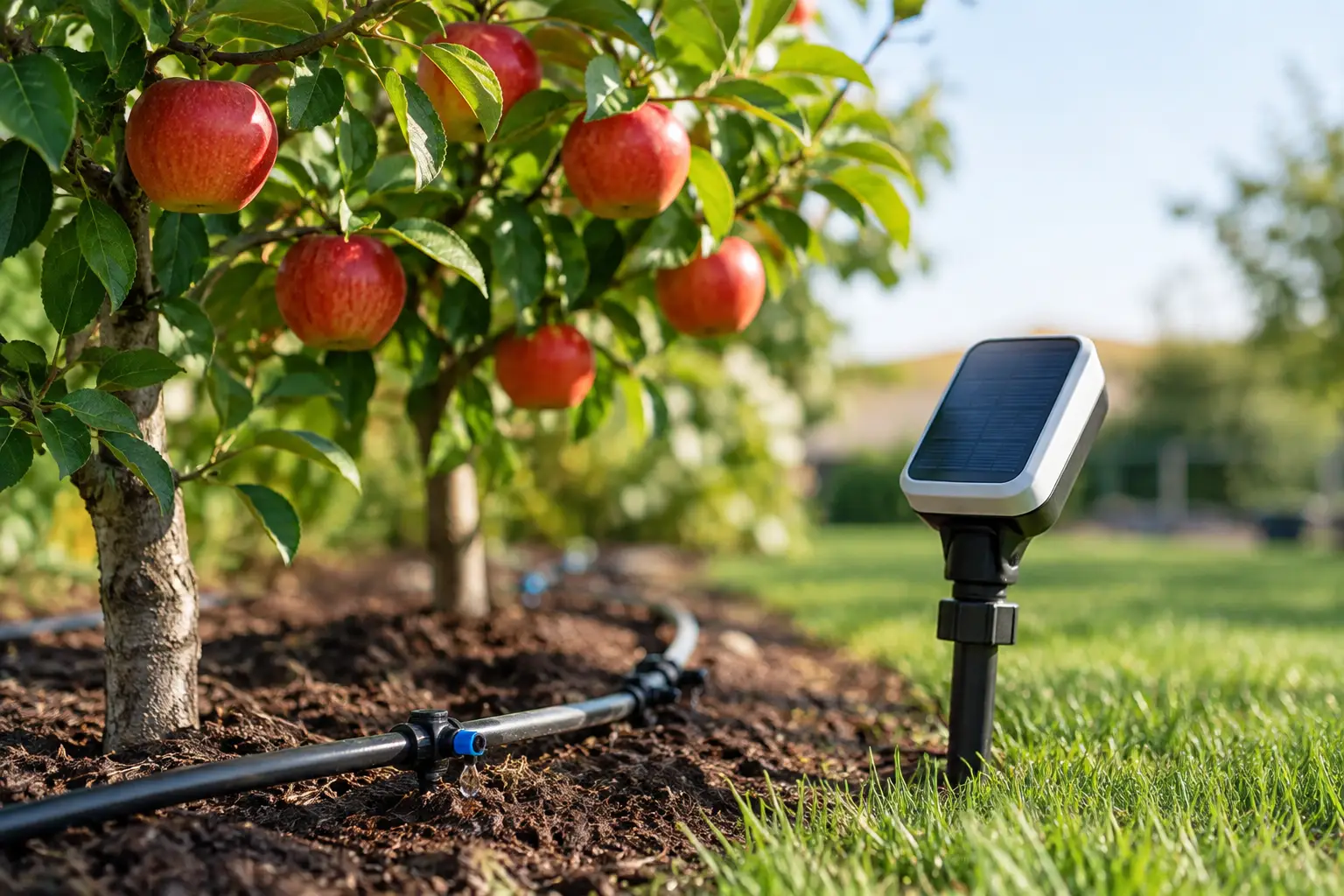
This approach needs sensible setup. A sensor in one sunny patch should not control a broad zone with different shade, soil and plant types. Group plants with similar needs, place sensors where they represent the root zone, and retain the ability to manually run or pause a valve. Automation should reduce guesswork, not remove your control.
The features that separate a helpful app from another dashboard
A polished interface is nice. The features that keep an app useful after the first week are more practical.
First, look for one garden view. You should be able to see plants, zones, sensors and valves together, rather than hopping between separate apps to identify a plant, check moisture and change watering. This is where an app begins to act like an operating system for the home garden.
Second, check how it makes watering decisions. “Smart schedule” can mean a fixed calendar adjusted by a weather forecast. That may be enough for an established lawn with predictable irrigation. It is not the same as soil-moisture monitoring with defined thresholds for individual plants or zones. Ask what triggers a watering event, what stops it, and what happens if the sensor is offline.
Third, consider interoperability before buying hardware. If you already use Apple Home, Google Home or Home Assistant, confirm that the app works with your setup and with the smart valves and sensors you own or plan to buy. Matter support can reduce friction between ecosystems, but compatibility still needs to be specific. “Works with Matter” does not guarantee every device feature appears everywhere.
Fourth, look at cost over time. Some apps put plant identification, diagnosis, automations or historical data behind a subscription. Others require a proprietary hub before a valve or sensor can connect. Neither model is automatically wrong, but the ongoing cost should match the value it provides. A free, no-hub, no-subscription model is particularly appealing when you want to expand from one zone to a whole garden without adding monthly fees.
Finally, consider privacy where AI is involved. Photo identification and health assessments can be useful, but it is reasonable to ask where images are processed, what information is retained and whether you can choose the AI provider. A customer-supplied AI-provider key model gives technically confident users more control while keeping the core garden tools accessible.
Match the app to your garden, not the marketing
For a few indoor plants, an identification app with sensible reminders may be all you need. For renters with a courtyard, mobile valve control and flexible schedules can help without changing permanent plumbing. For a mixed suburban garden with lawn, natives, herbs, fruit trees and irrigation zones, moisture-led automation has more to offer because one fixed routine rarely suits everything.
Experienced gardeners may care most about manual override, historical moisture readings and zone-level control. Newer gardeners may value a photo, a plain-English care recommendation and a clear next action. A well-designed platform should support both: simple enough to start with one plant, detailed enough to manage a garden that grows over time.
Verde takes this combined approach by bringing identification, photo-based plant health checks, garden organisation, soil moisture targets, weather-aware watering and compatible valve control into one mobile app. It is designed to work with existing compatible devices and connected-home systems, so the garden can become smarter without becoming another complicated smart-home project.
A practical way to test your choice
Before committing, choose one problem zone: perhaps the vegetable bed that dries out quickly, or the pot collection that gets missed during busy weeks. Add the plants, set their moisture targets, and watch what the system records for a fortnight. Compare its recommendation with the soil you can see and feel.
If the app helps you understand why it is watering, makes it easy to adjust a target, and leaves you confident you can take over at any time, it is doing its job. The right plant care app should not make you spend more time managing technology. It should give you healthier plants, less wasted water and one calm place to see what your garden needs next.