HomeKit versus Matter for Smarter Gardens
HomeKit versus Matter shapes how garden devices connect. Compare control, compatibility and privacy to choose a setup that stays simple as it grows.
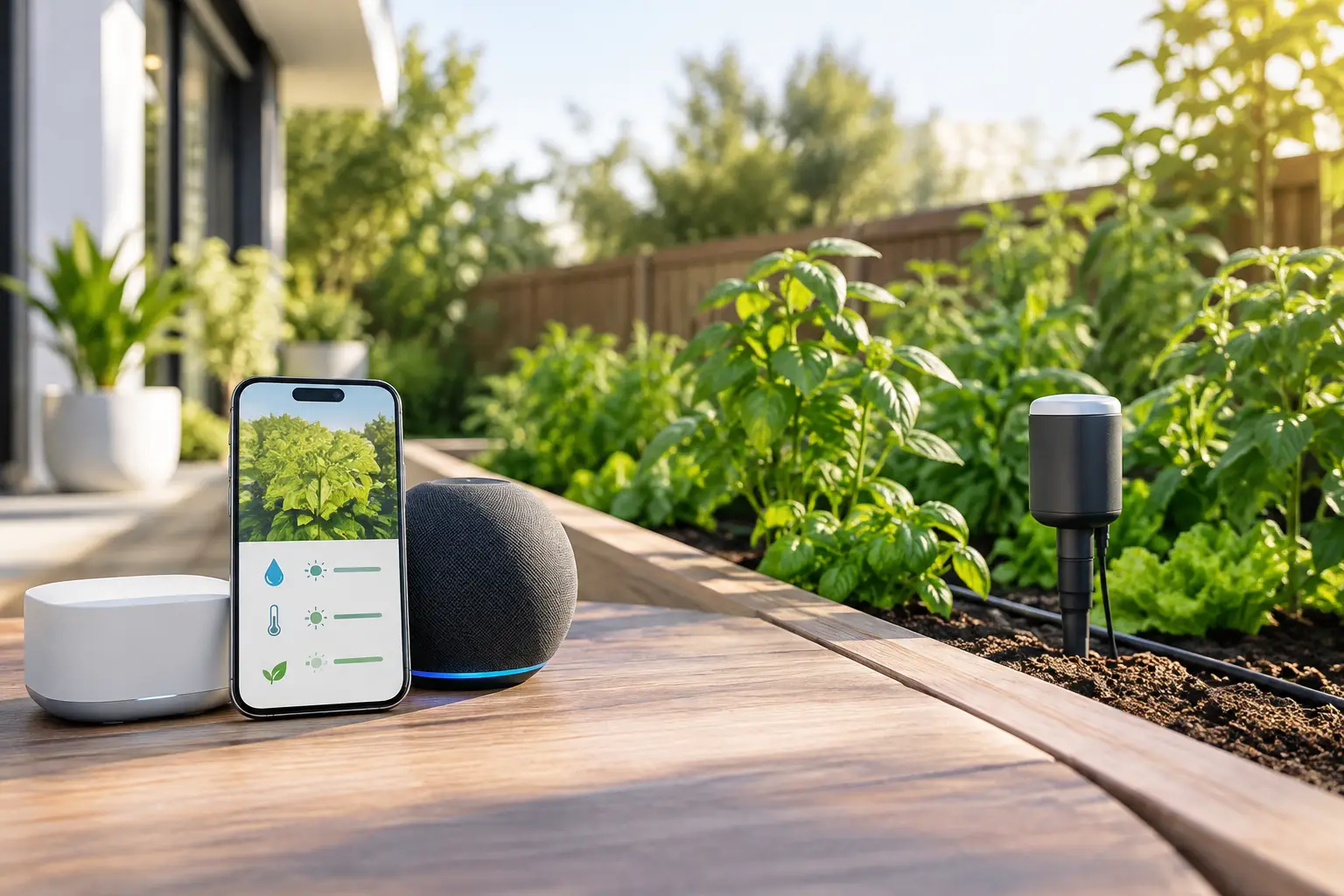
A garden can have perfect schedules and still be watered at the wrong time. A hot northerly wind, a few days of rain or soil that is already holding enough moisture can make a basic timer waste water or stress plants. That is where connected sensors and valves help - but choosing between HomeKit versus Matter can feel more complicated than it needs to be.
The short version is this: HomeKit is Apple’s smart-home platform. Matter is a shared connectivity standard designed to help devices work across Apple Home, Google Home, Home Assistant and other supported systems. For a garden that needs practical automation rather than another hobby, the right choice depends on the devices you own, the household platforms you use and how much flexibility you want later.
HomeKit versus Matter: the practical difference
HomeKit lets Apple devices and compatible accessories work together in the Apple Home app. If your household uses iPhones, iPads, Apple Watches, HomePods or Apple TV, it offers a familiar way to view accessories, create automations and use Siri. A HomePod or Apple TV can also provide remote access and run automations when you are away.
Matter is not a replacement app in the same sense. It is a common language that manufacturers can build into compatible devices. A Matter-certified sensor or valve may be added to more than one supported smart-home platform, subject to the device category and each platform’s available controls. It aims to reduce the old problem of buying a device that only works with one brand’s app or one voice assistant.
Think of HomeKit as a home you can live in, while Matter is a set of building standards that help more products fit through the door. Apple Home supports Matter, so this is not always an either-or decision. A Matter device can often appear in Apple Home alongside existing HomeKit accessories.
For garden care, that distinction matters. You may want Apple Home for simple household scenes and notifications, while choosing Matter-compatible hardware so a future change to Google Home or Home Assistant does not mean replacing every sensor and valve.
What HomeKit does well in the garden
For Apple-first homes, HomeKit is calm and straightforward. You can ask Siri whether an outdoor tap is on, check a sensor’s status in Apple Home or build a basic rule around time, occupancy or weather-related conditions where supported. Its local control and security approach also appeal to people who do not want garden equipment dependent on a cloud service for every action.
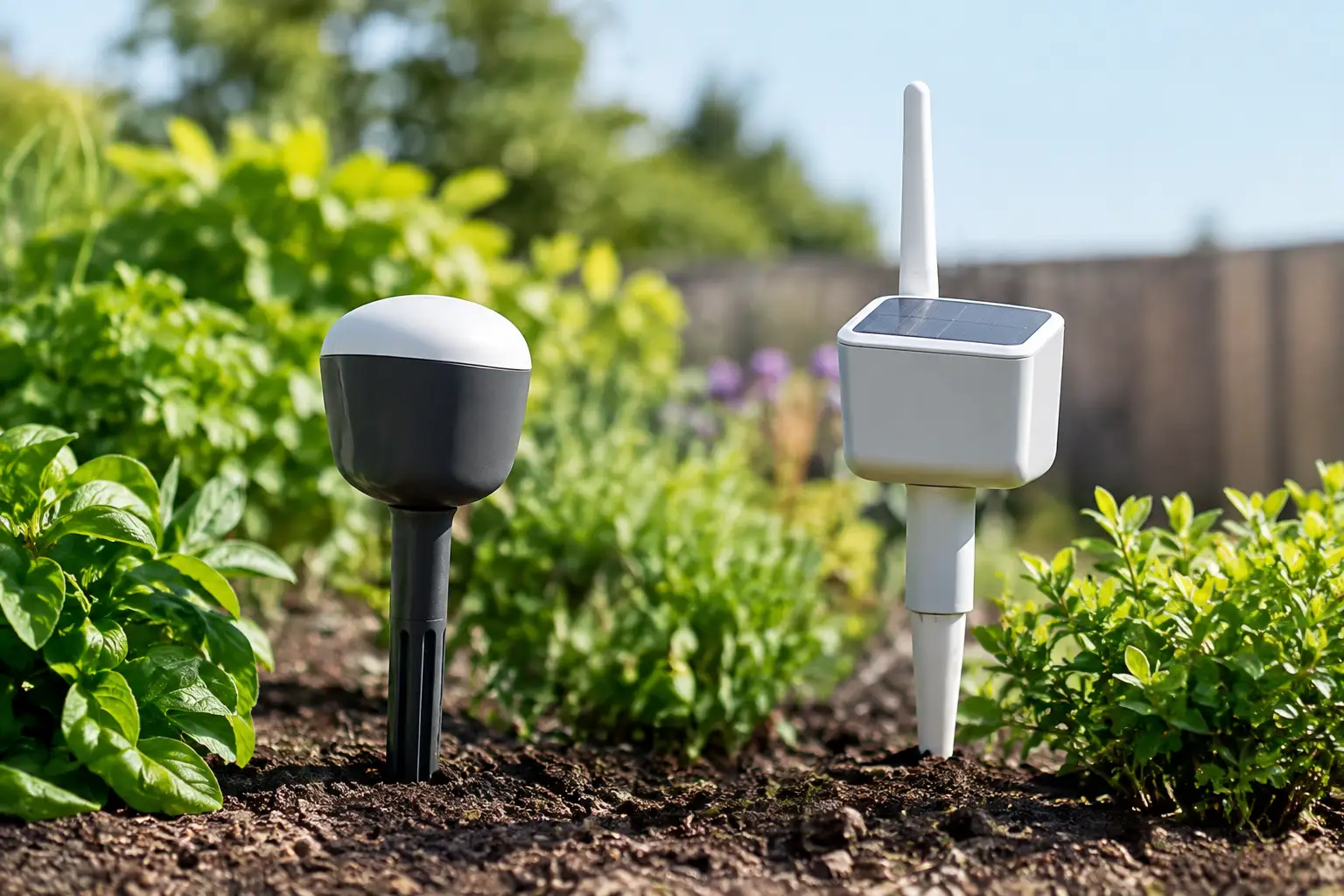
HomeKit can be particularly useful when your garden automation is small and settled. Perhaps you have one courtyard valve, a few outdoor lights and a sensor near a raised veggie bed. You want a clear interface, predictable controls and no interest in running several smart-home systems.
There are limits. HomeKit is designed around Apple’s ecosystem, so its best experience is for households that already use Apple devices. A HomeKit-only accessory can also narrow your options if you later want to control it from another platform. And while Apple Home is excellent for broad home automation, it is not a specialised garden operating system. It does not inherently know that a hydrangea, citrus tree and rosemary bed need different moisture targets.
That is the gap between connected control and informed garden care. Turning a valve on is useful. Turning it on only when the relevant soil is dry and the plant actually needs water is better.
Where Matter is the better fit
Matter is a sensible starting point when interoperability matters more than brand loyalty. It is designed for homes with mixed devices and mixed preferences: one person uses an iPhone, another uses Android, and a technically minded household member wants Home Assistant on the side. Matter gives you a better chance of keeping compatible devices useful across those environments.
It also makes sense for gardeners buying new hardware. A Matter-native device is not guaranteed to expose every advanced function in every app, but it is generally a stronger foundation than buying into a closed, single-platform product. Check the product’s supported platforms and functions before buying, especially for irrigation products. A device can be Matter-compatible while some settings, reports or specialised controls remain available only in the manufacturer’s app.
Matter can run over Wi-Fi, Ethernet or Thread, depending on the device. For outdoor garden gear, this is worth checking before checkout. Wi-Fi devices need reliable coverage near the tap, shed or far end of the yard. Thread devices create a low-power mesh network, but they need suitable Thread border router coverage in the home and often benefit from nearby powered Thread devices.
Do not assume the signal that reaches your lounge room will reach a valve beside the back fence. Test coverage where the hardware will live. A small network decision at the start can prevent frustrating dropouts in the middle of summer.
Compatibility is not the same as capability
The most common misunderstanding is that Matter means every feature will work everywhere. It does not. Matter improves the basics of discovery, setup and cross-platform control, but platform support still varies by device type and feature.
For example, a smart valve may be visible as an on-off accessory in one platform, while its detailed watering duration, flow data or rain-delay settings live in the maker’s app. A soil sensor may report a value, but the receiving platform may not offer the plant-level logic you want. That does not make Matter useless. It means you should choose the control layer that matches the outcome you need.
Before buying, ask four practical questions:
- Can this device connect to the smart-home platforms used in my household?
- Does it use Wi-Fi, Thread or another connection, and will that network reach the garden?
- Which functions are exposed outside the manufacturer’s app?
- Can the device keep working locally if the internet drops out?
These questions matter more than a logo on the box. They also help avoid a collection of gadgets that technically connect but still leave you checking three apps before leaving for the weekend.
A better setup for plant-level watering
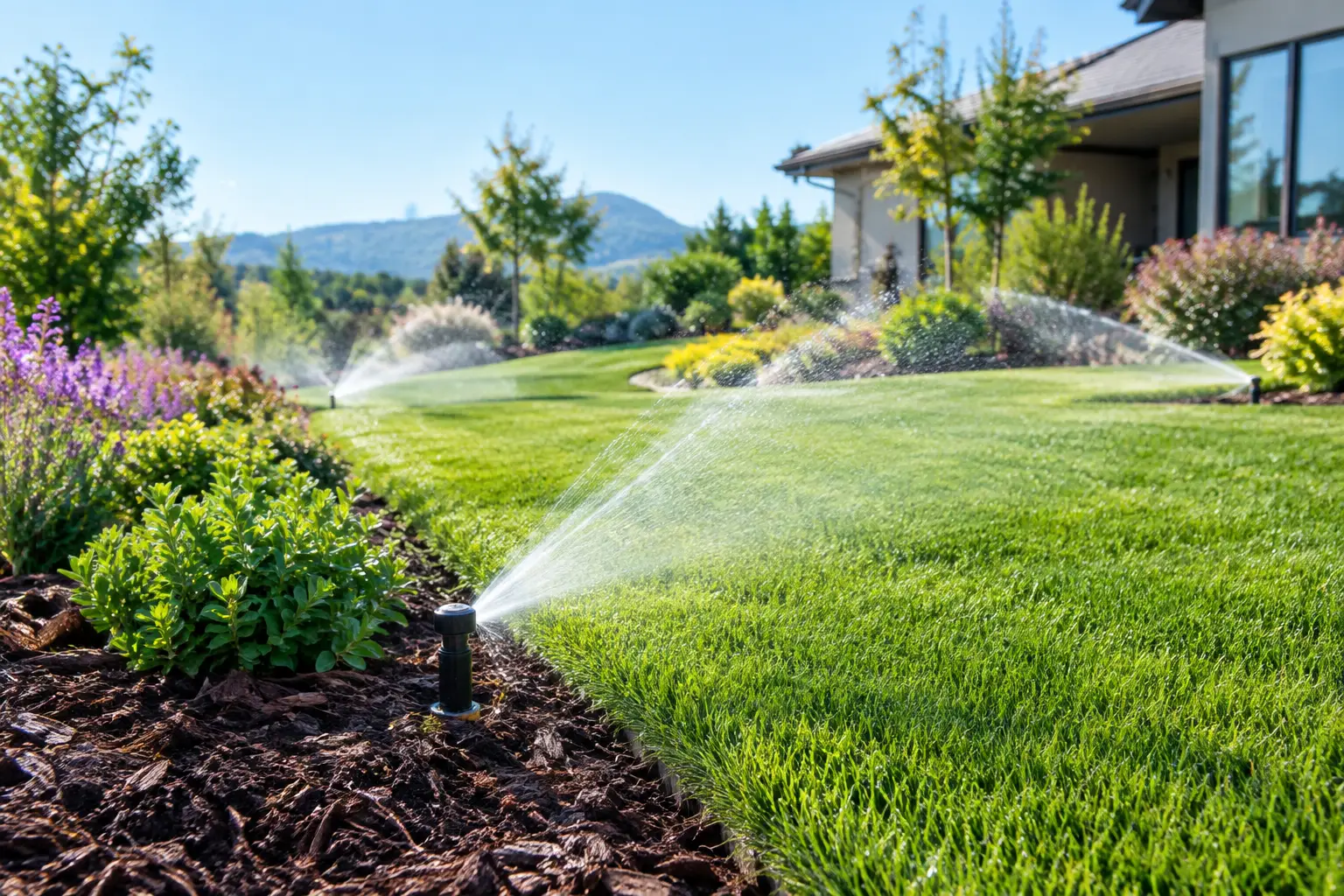
A fixed timer treats every zone as though it dries at the same rate. Real gardens do not work that way. Pots under eaves, newly planted natives, lawn, shaded beds and vegetables all respond differently to heat, wind, soil type and rainfall.
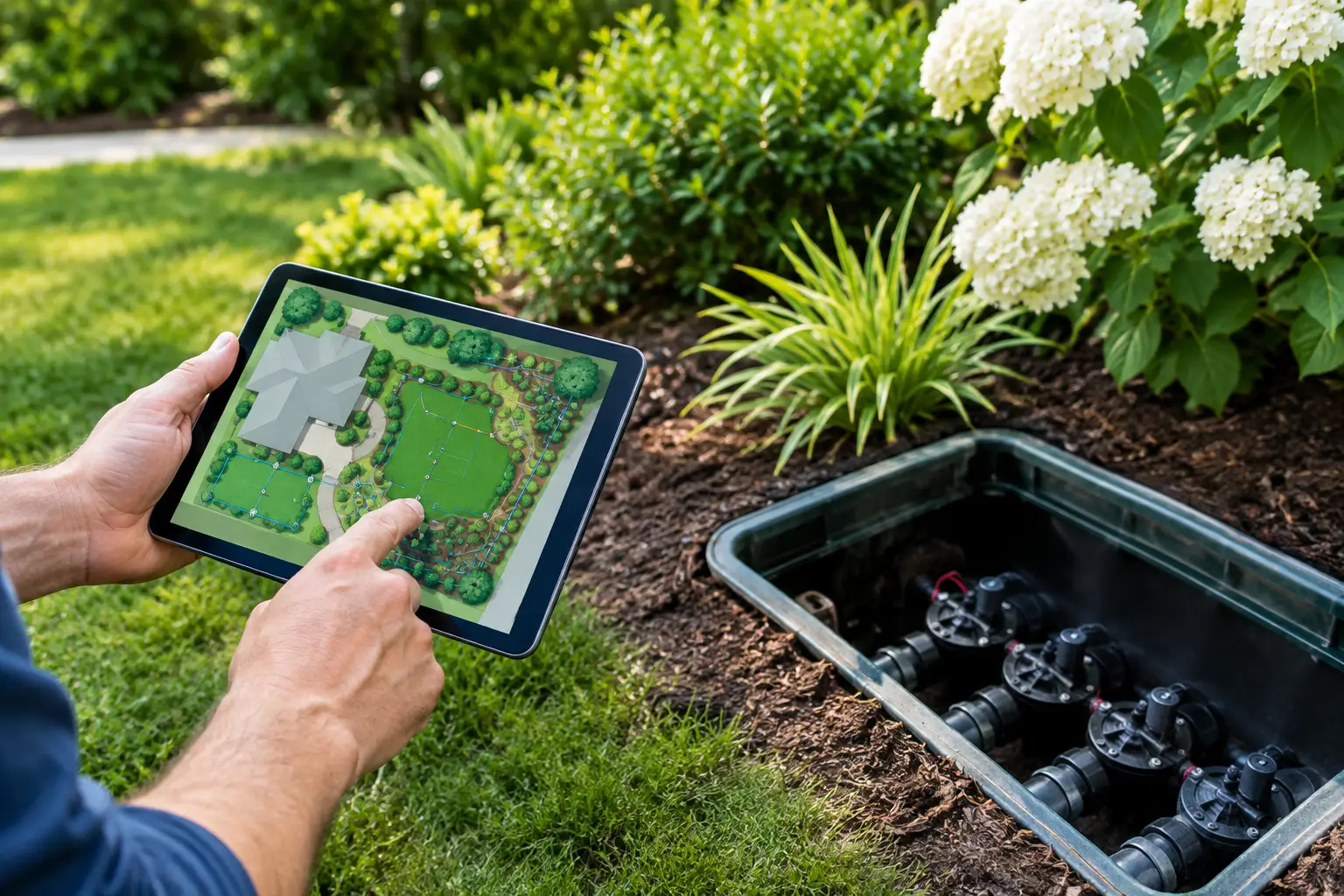
The useful approach is to combine compatible valves with soil moisture readings, local weather and plant-specific targets. Set the target once, then let the system decide whether watering is needed. If the soil is already moist after rain, the valve stays closed. If a sunny raised bed dries faster than expected, it can be watered without waiting for the next blanket schedule.
This is where a garden-focused layer such as Verde earns its place. It can sit alongside Apple Home, Matter, Google Home or Home Assistant while organising plants and zones around the conditions that matter: soil moisture, defined plant targets, weather and valve control. Rather than replacing your preferred smart-home platform, it gives garden decisions a purpose.
The benefit is not merely convenience. It is less water sent into already-wet soil, fewer plants lost because a timer did not match the weather, and less mental load from remembering what was watered when. Your garden stays under your control, without making daily irrigation another chore.
Which should you choose?
Choose HomeKit first if your home is firmly Apple-based, your existing accessories are HomeKit-compatible and you want a simple, private-feeling control experience. It is a good fit for straightforward automations and households that do not expect to change platforms.
Choose Matter-first devices if you are buying new garden hardware, share the home with different phone ecosystems, or want the freedom to use Apple Home now and another supported platform later. Matter is also the stronger option if you prefer to avoid tying a long-lived outdoor device to one manufacturer’s ecosystem.
In many homes, the best answer is both. Use Apple Home as the familiar everyday interface, select Matter-compatible devices where possible, and use a dedicated garden app for the decisions that generic smart-home automations cannot make well.
Start with one zone that regularly causes trouble - perhaps thirsty herbs, a veggie patch or pots exposed to afternoon heat. Get the sensor position, network coverage and moisture target right there first. Once the system makes one part of the garden easier to care for, expanding it feels less like building a smart home and more like giving your garden the attention it was already asking for.